 Sub-Store 文件动态生成
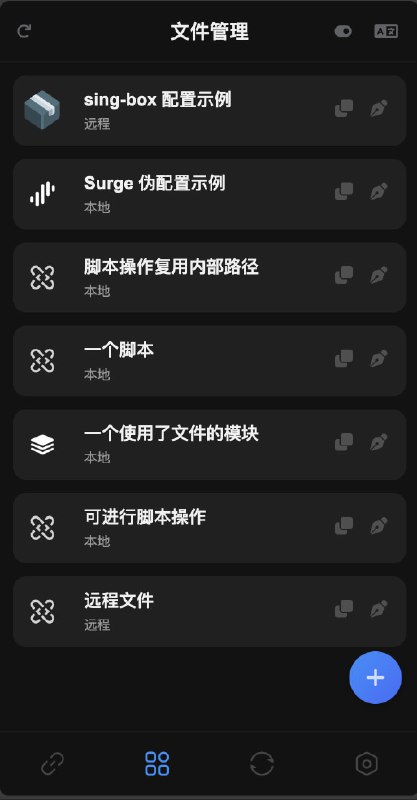
  sing-box 配置示例
 查看最新版带参数规则的脚本
———
 亚托莉佬的模板和远程脚本
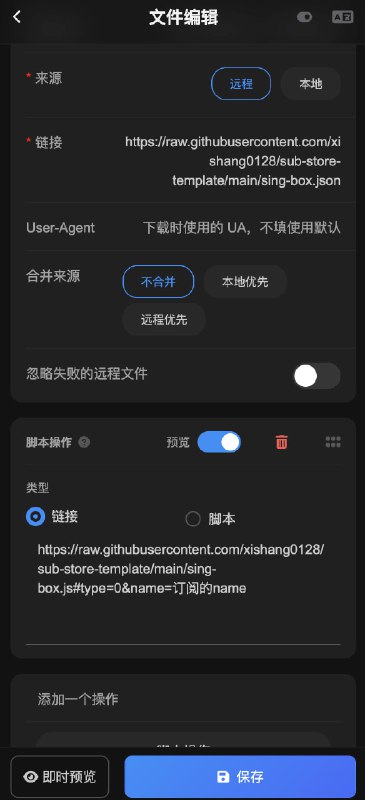
远程文件填
链接1 或 链接2脚本操作填链接
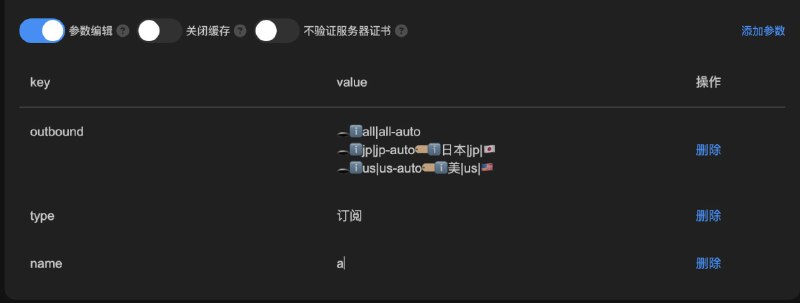
https://raw.githubusercontent.com/xishang0128/sub-store-template/main/sing-box.js#type=1&name=name // "1" 表示组合订阅, name 为订阅的 "名称", 具体看文件中的说明
⚠️ 此脚本与此模板配套 如果要用自定义模板/有自定义脚本的需求 可使用
👇🏻的方案自己动手 或者
查看最新版带参数规则的脚本1.1 使用远程模板
远程链接 中 第一行为 sing-box 模板文件链接
例:
https://a.com/sing-box.tpl.json1.2 或者使用本地模板
本地文本 中为 sing-box 模板文件的内容
假设 你的 sing-box 模板文件中的
outbounds 是这样的:
{ "outbounds": [ { "tag": "全部节点", "type": "selector", "default": "urltest", "outbounds": [ "美国节点" ] }, { "tag": "美国节点", "type": "urltest", "outbounds": [] } ] }脚本操作:
let config = (ProxyUtils.JSON5 || JSON).parse($content ?? $files[0])
let proxies = await produceArtifact({
type: 'subscription',
name: '订阅的name',
platform: 'sing-box',
produceType: 'internal'
})
config.outbounds.push(...proxies)
config.outbounds.map(i => {
if (['全部节点'].includes(i.tag)) {
i.outbounds.push(...proxies.map(p => p.tag))
}
if (['美国节点'].includes(i.tag)) {
i.outbounds.push(...proxies.filter(p => /美国|🇺🇸|us|united states/i.test(p.tag)).map(p => p.tag))
}
})
$content = JSON.stringify(config, null, 2)
▎其他示例(YAML, JSON):
let singboxProxies = await produceArtifact({
type: 'subscription',
name: 'sub',
platform: 'sing-box',
produceType: 'internal'
})
let clashMetaProxies = await produceArtifact({
type: 'subscription',
name: 'sub',
platform: 'ClashMeta',
produceType: 'internal'
}))
$content = ProxyUtils.yaml.safeDump({})
$content = JSON.stringify({}, null, 2)
 Sub-Store 代理 App 版安装下载
 Sub-Store 服务器/云平台/Docker/Android 版的相关教程


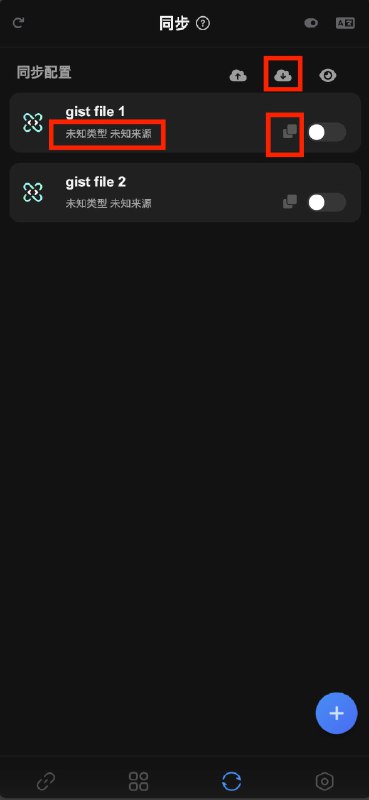
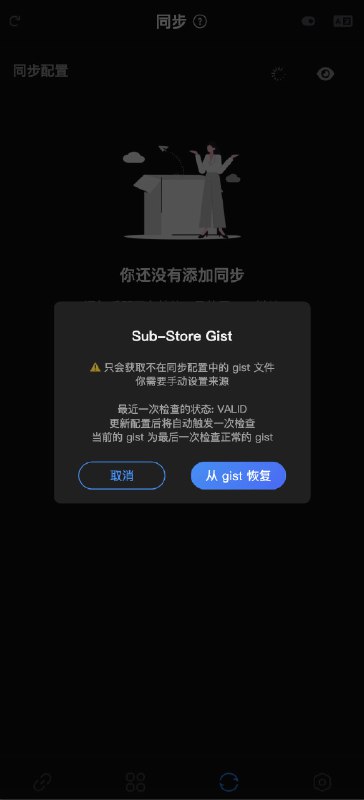
 支持从 gist 获取不在同步配置中的 gist 文件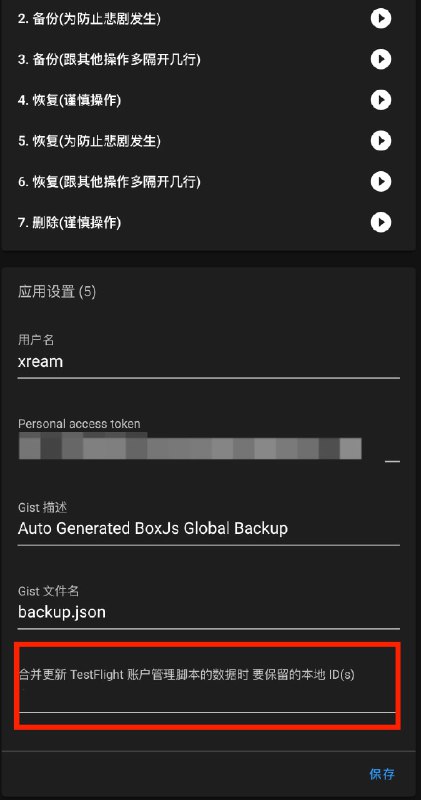
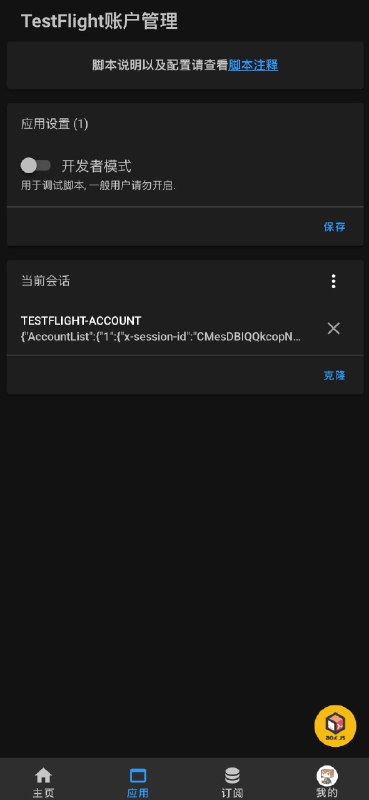
 Gist 备份/恢复 BoxJs 数据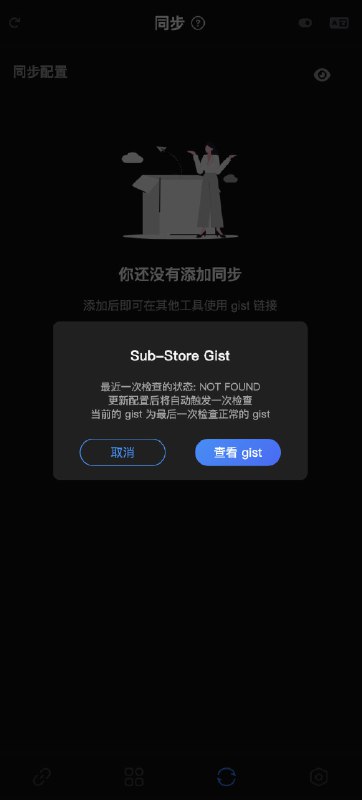
 Loon 插件支持修改响应头缓存有效期
 Shadowrocket 导出格式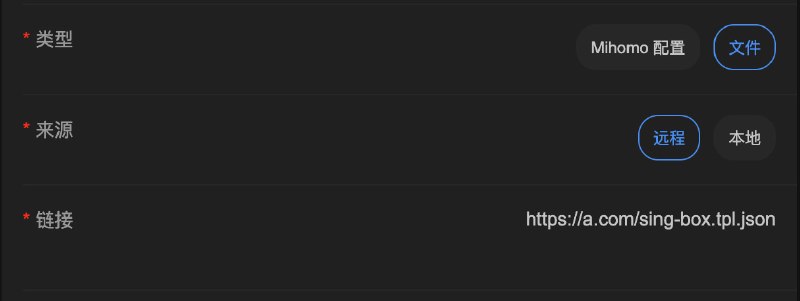






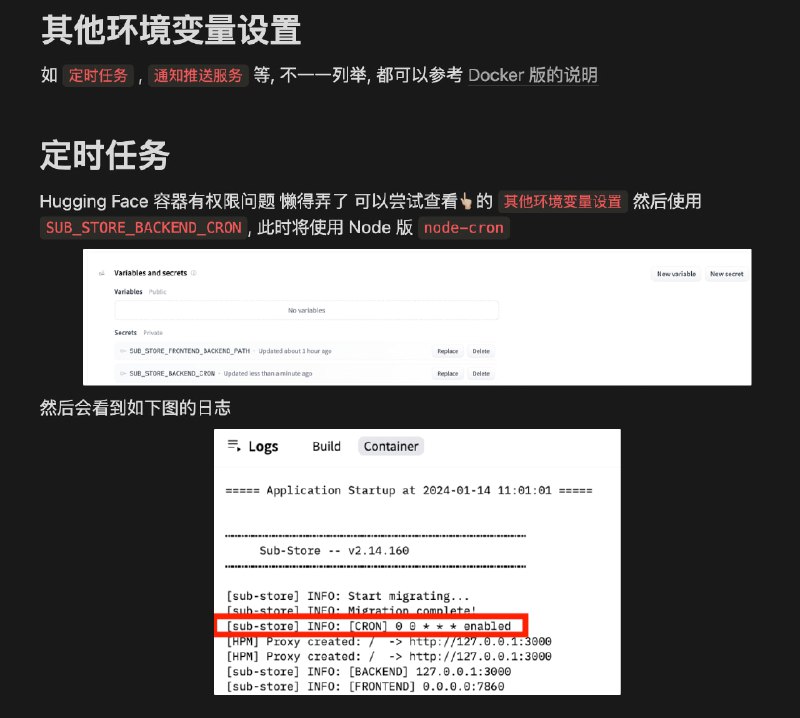
 Hugging Face 的目前为最新版
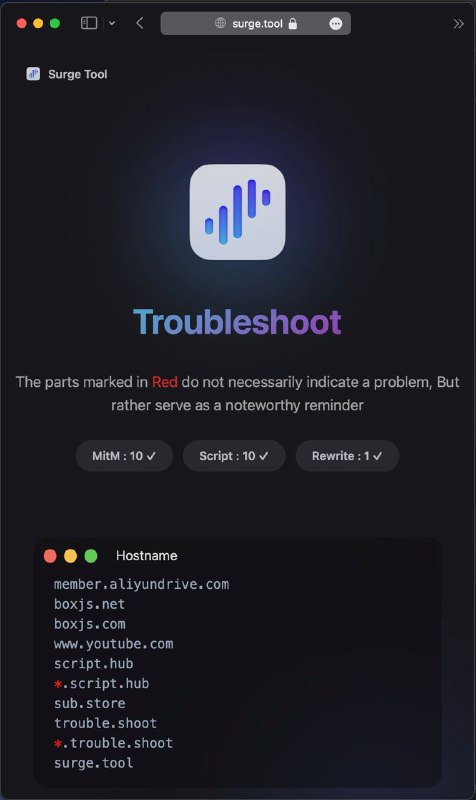
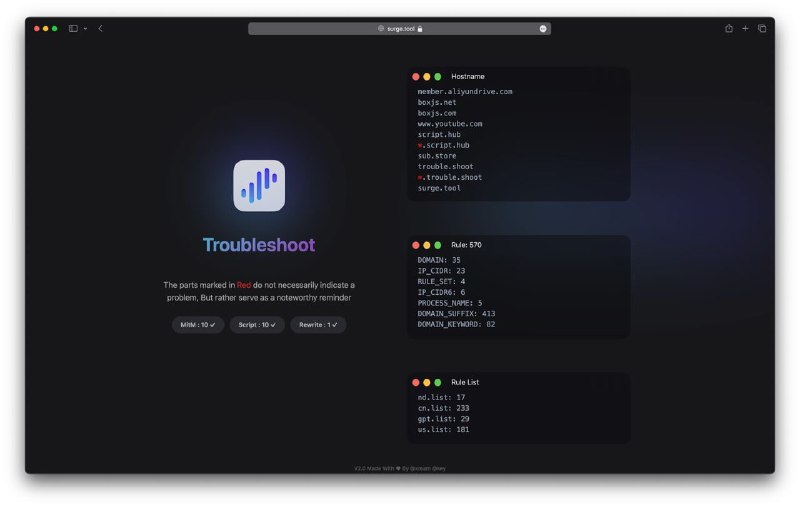
 Key 佬新增更多数据以及面板
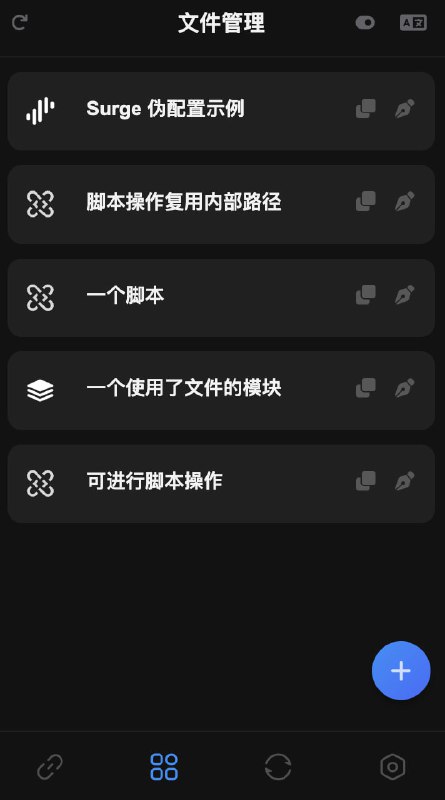
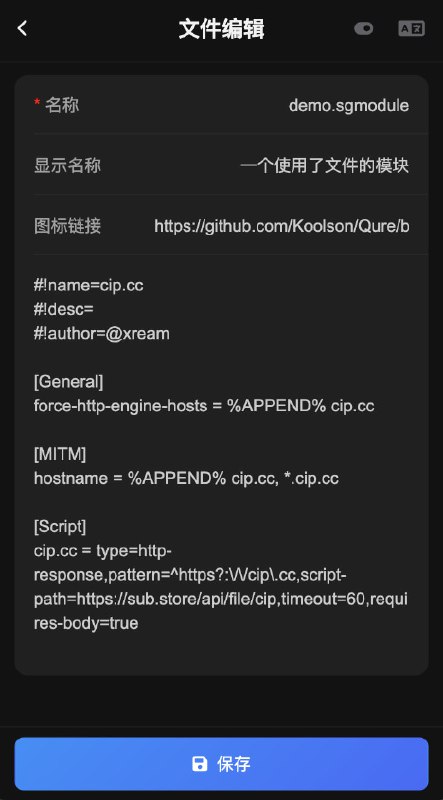
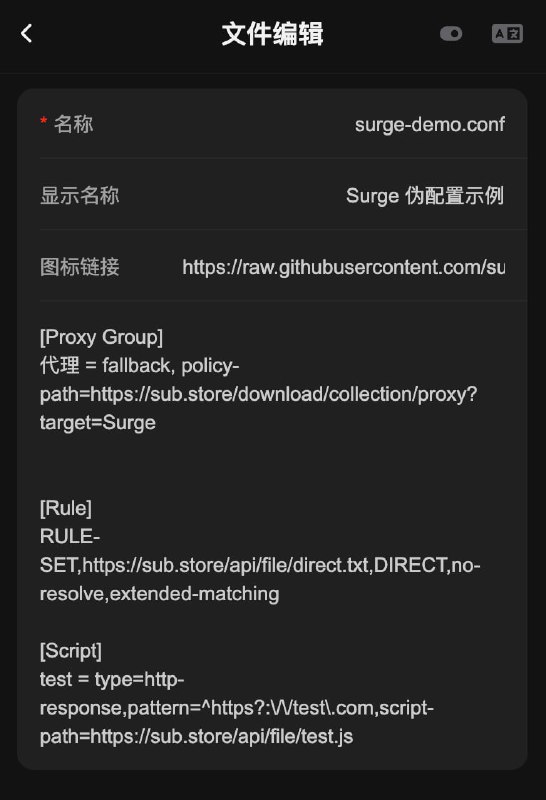
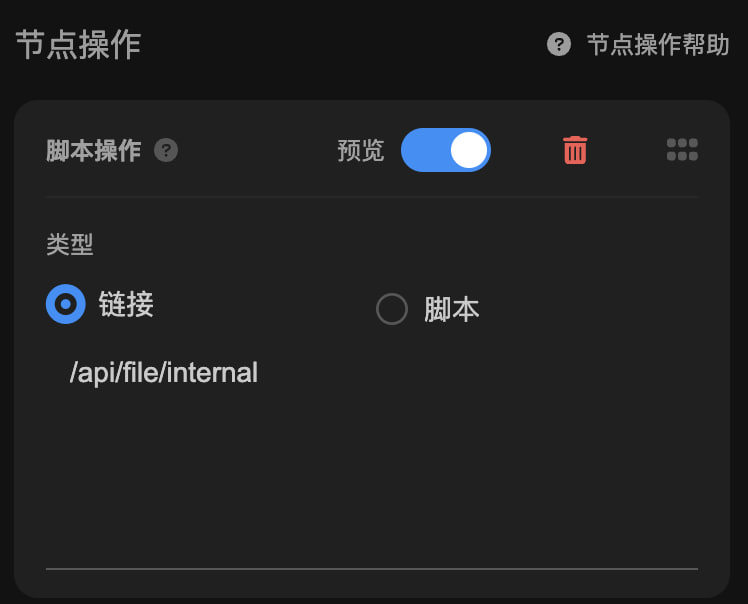
 新增文件功能