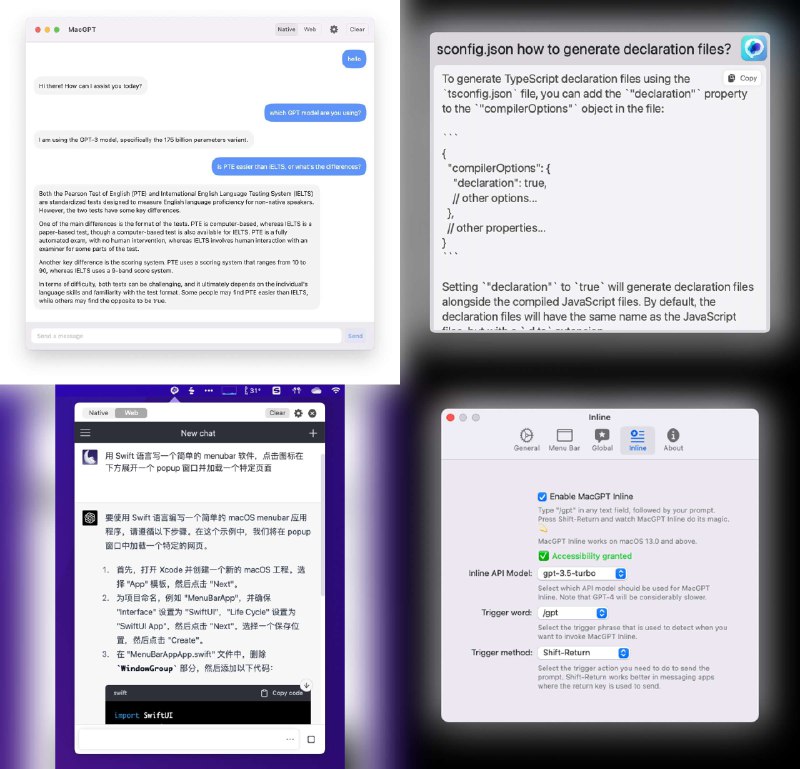
🐦 强烈推荐 @jordibruin 开发的 http://macgpt.com, 目前最喜欢的 ChatGPT 桌面客户端。支持 API key 和 Web UI 两种模式随意切换。能够通过全局快捷键唤出启动器,也可以在 menubar 打开,甚至可以通过 /gpt 前缀实现在任意文本区域行内调用。期待它做出 prompt 管理功能,我就彻底别无所求了。 https://t.co/jIK86eN5VI
↩ #tweet
↩ #tweet
- ❤️2

#!name=ChatGPT
#!desc=替换 api.openai.com 为 自定义接口, 添加 key

[URL Rewrite]
^https:\/\/api\.openai\.com\/v1 https://xxxxxxxxx.com/v1 header

[Header Rewrite]
http-request ^https:\/\/api\.openai\.com\/v1 header-del Authorization
http-request ^https:\/\/api\.openai\.com\/v1 header-add Authorization "Bearer sk-yyyyyyyyyyyyy"

[MITM]
hostname = %APPEND% api.openai.com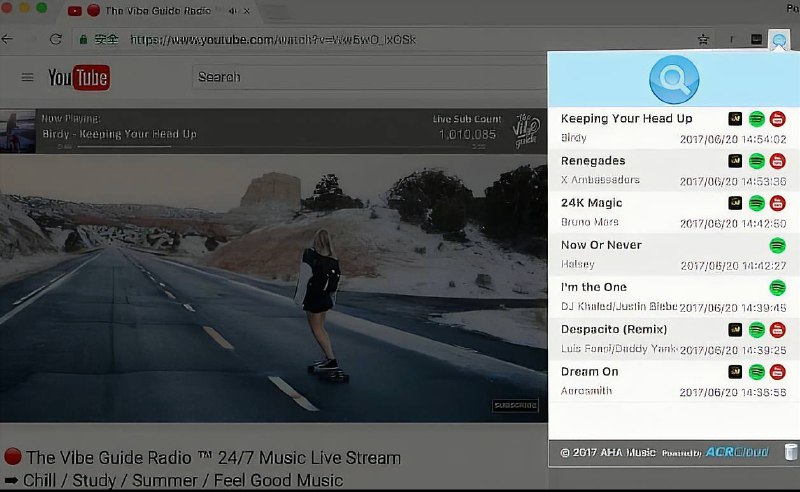
 AHA Music
  已收录至Chrome插件合集 频道资源合集目录
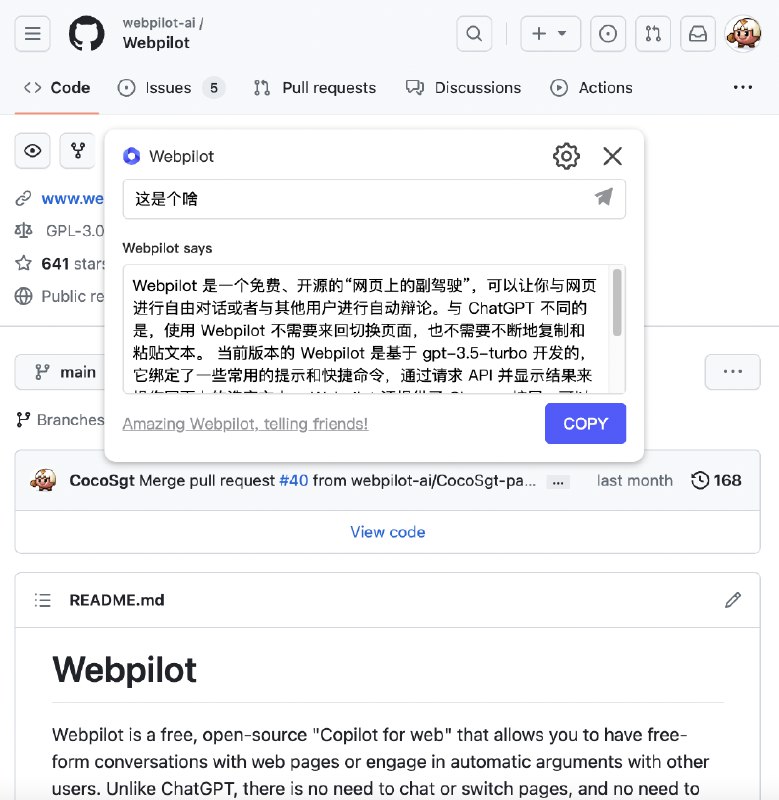
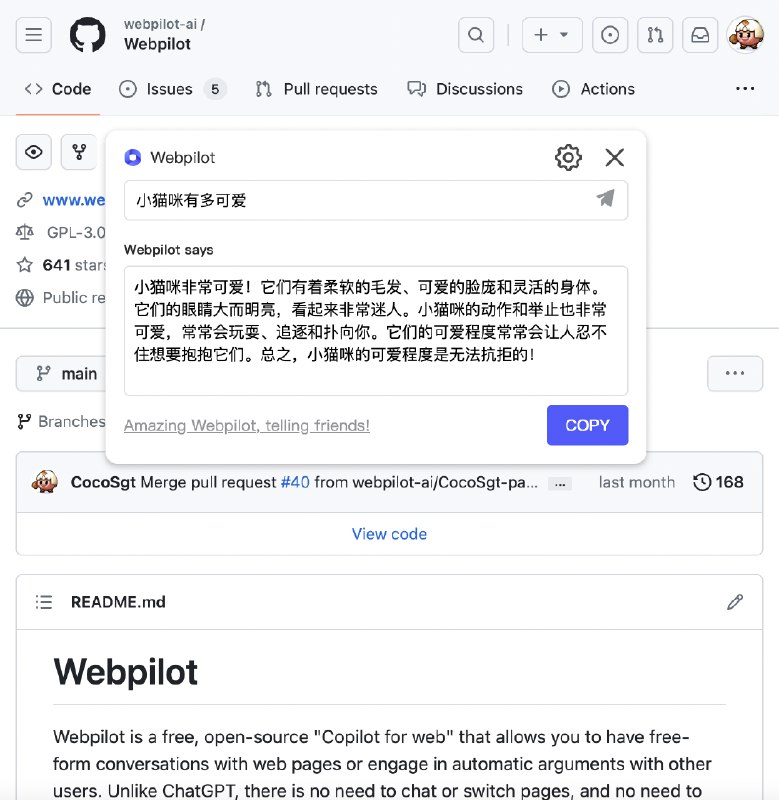
 BoxJs and Env.js
 Loon,
Loon,  Surge,
  Stash,
  Shadowrocket,
  Quantumult XShadowrocket, Quantumult X
  DualSubs: 🎦Universal v0.8.x 已发布BoxJs and Env.jsSurge, Stash, Loon, Shadowrocket, Quantumult X
 BoxJs 面板已重新发布,注意重新订阅
wget -N https://raw.githubusercontent.com/fscarmen/warp/main/menu.sh && bash menu.sh