

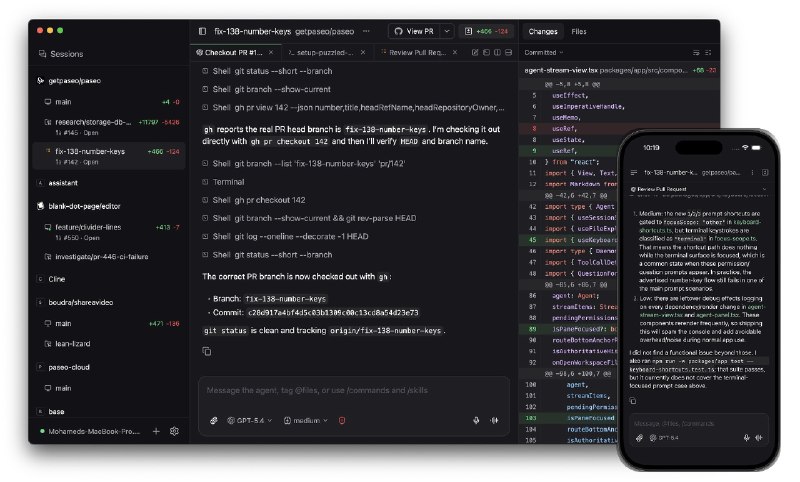
我还提了 issue: https://github.com/getpaseo/paseo/issues/397

 Relay
Relay为了能在任意网络环境下连接, 默认使用的是官方的中继服务
自建的话可以参考
官方版
第三方
https://github.com/keepmind9/paseo-relay
https://github.com/zenghongtu/paseo-relay
https://github.com/clanet/py-paseo-relay
反代 TLS 自己配置好, 超时可能需要改大一些
然后编辑
~/.paseo/config.json 后重启a.com 为域名6768 为端口参考
https://github.com/getpaseo/paseo
 合集
合集  群组
群组  恰饭
恰饭  联系推广
联系推广 #AI #Agent #ClaudeCode #Codex #OpenCode #自托管 #开发工具 #CLI #跨设备协作 #隐私优先 #GitHub
- ❤️1
