

 Sub-Store 快速生成
  sing-box 机场入口+落地节点 代理链 示例
1. 假设你有一个配置模板, 可以是本地文本也可以是远程配置
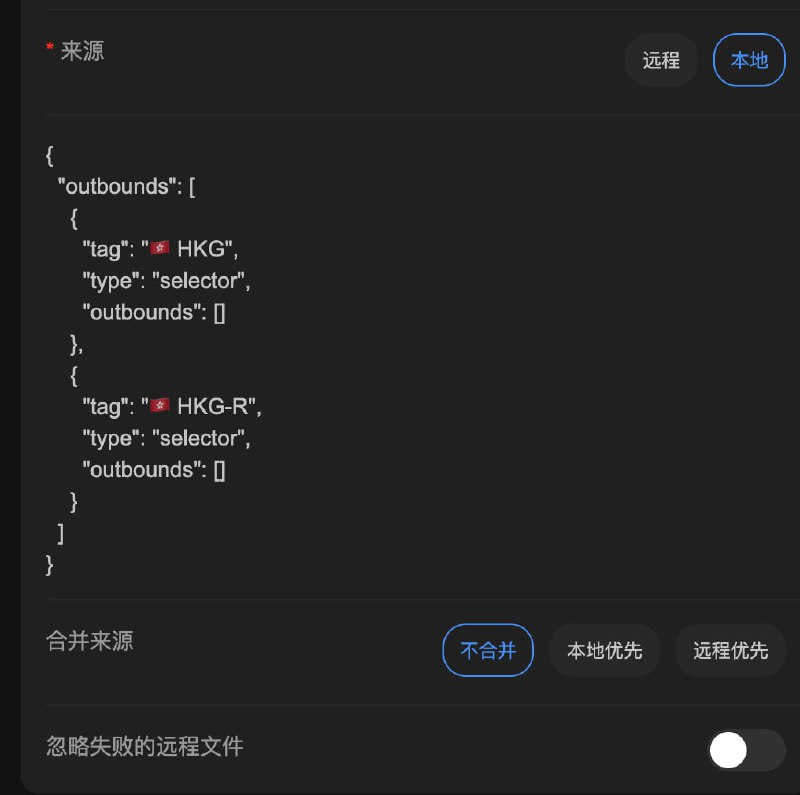
如图1, 其中 HKG 里是自建落地节点, HKG-R 里是机场节点.
你希望使用 机场节点 拉 落地节点
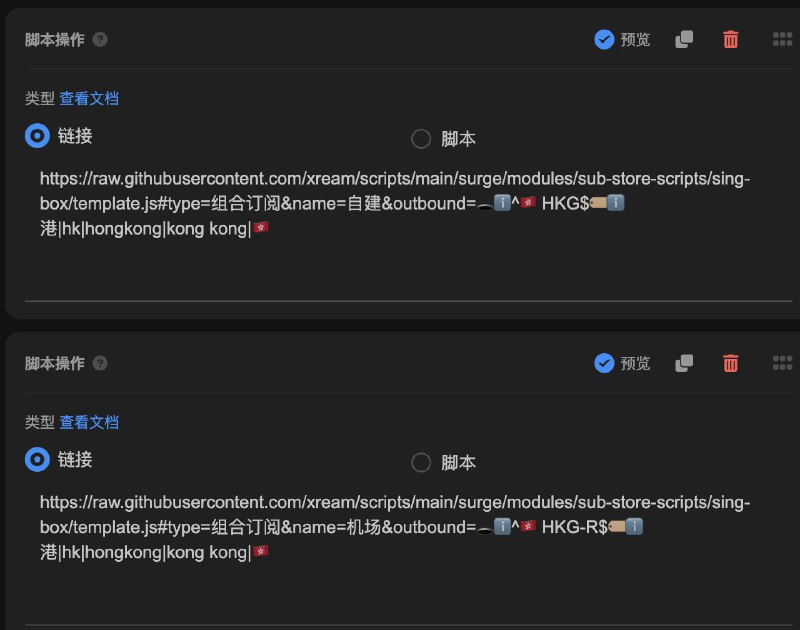
2. 加上两条脚本操作, 如图 2(具体参数含义可查看脚本文件头部的描述, 也可以查看
动态生成 sing-box 配置)https://raw.githubusercontent.com/xream/scripts/main/surge/modules/sub-store-scripts/sing-box/template.js#type=组合订阅&name=自建&outbound=🕳ℹ️^🇭🇰 HKG$🏷ℹ️港|hk|hongkong|kong kong|🇭🇰
https://raw.githubusercontent.com/xream/scripts/main/surge/modules/sub-store-scripts/sing-box/template.js#type=组合订阅&name=机场&outbound=🕳ℹ️^🇭🇰 HKG-R$🏷ℹ️港|hk|hongkong|kong kong|🇭🇰
此时可以预览, 应该能看到节点都加上了
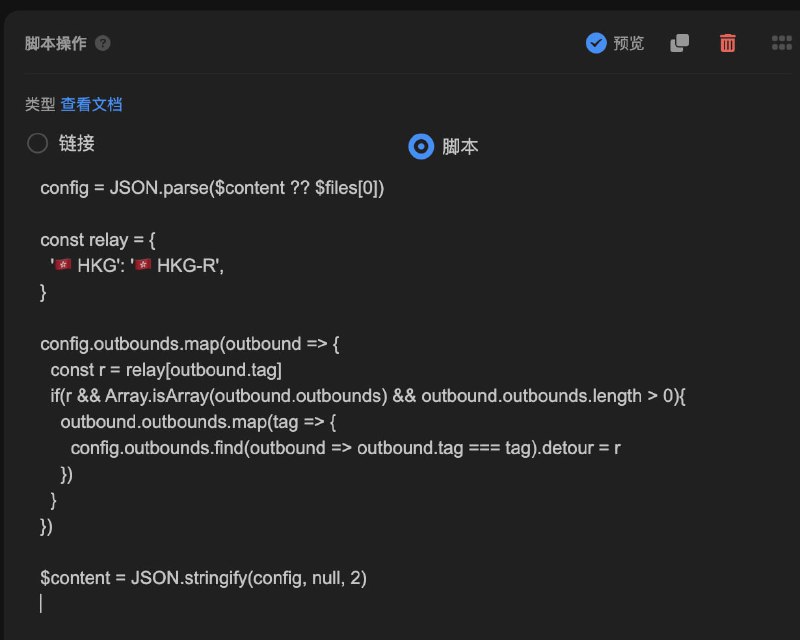
3. 添加一个脚本操作, 如图3. 此脚本的作用是给 HKG 里的每一个节点, 加上
detour: HKG-R. 没优化, 反正能用(config = JSON.parse($content ?? $files[0])
const relay = {
'🇭🇰 HKG': '🇭🇰 HKG-R',
// 其他的自己加
}
config.outbounds.map(outbound => {
const r = relay[outbound.tag]
if(r && Array.isArray(outbound.outbounds) && outbound.outbounds.length > 0){
outbound.outbounds.map(tag => {
config.outbounds.find(outbound => outbound.tag === tag).detour = r
})
}
})
$content = JSON.stringify(config, null, 2)
 相关内容
相关内容 快速生成 clash.meta(mihomo) 配置示例
 Surfboard 远程托管配置示例(其他代理 App 也可以参考) 动态生成 sing-box 配置
 Sub-Store 合集
  合集
合集  恰饭推荐
恰饭推荐  群组
群组  联系推广
联系推广 #sing-box #singbox #Sub-Store #SubStore #配置 #示例 #代理 #代理链 #前置代理 #链式代理 #落地 #落地机 #入口 #机场 #机场入口 #机场节点 #节点 #订阅 #detour
- 👍9
- ❤️5
- 🎉1
