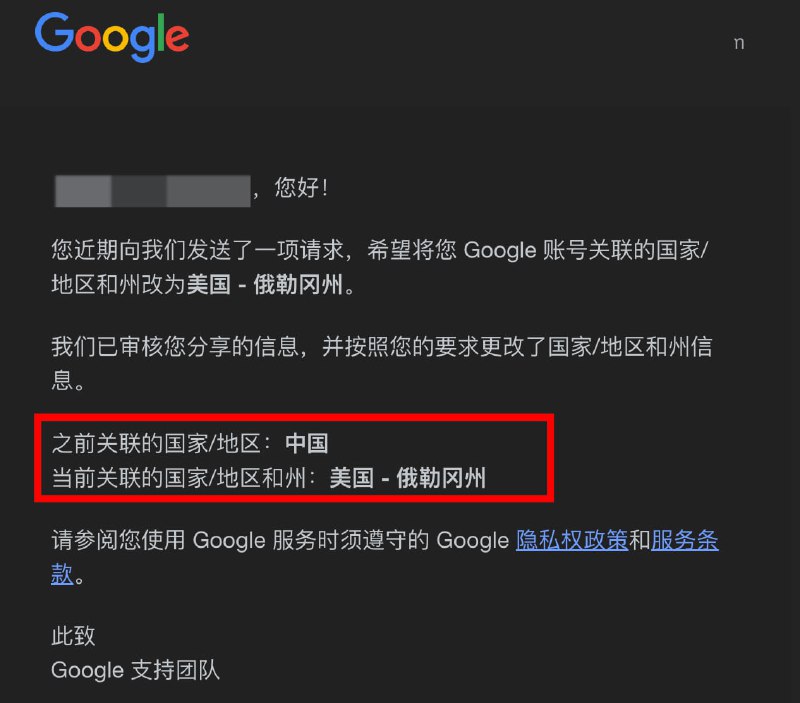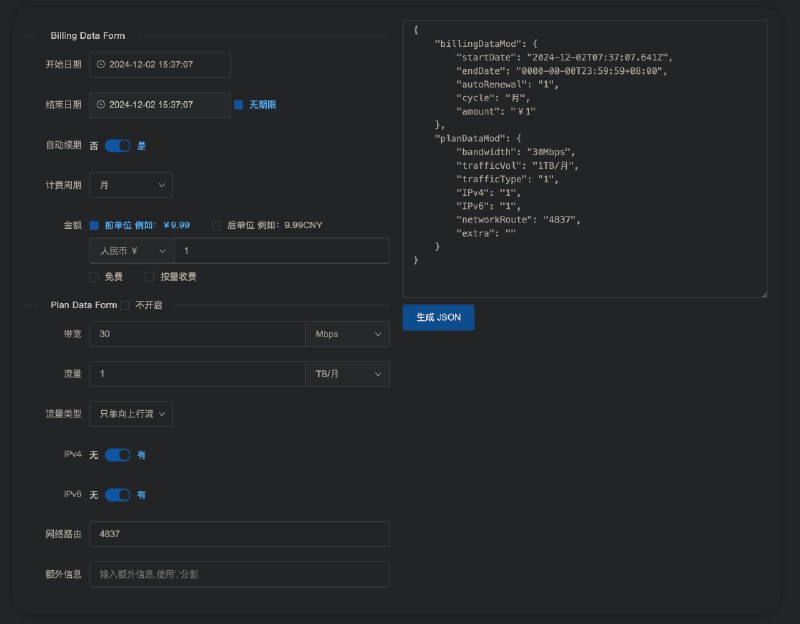
但是 V1 版本现在还不支持公开备注...
https://nezhainfojson.pages.dev
📌 资源合集导航
#哪吒探针 #nezha #agent #nezha-agent #哪吒 #探针 #监控 #备注 #公开备注
- 👍3

/opt/nezha/agent/config.ymlcustom_ip_api:
- "https://ip.3322.net"
- "https://test.ipw.cn"/opt/nezha/agent/config.ymlgpu: false // 是否检查GPU
temperature: false // 是否检查温度
skip_connection_count: true // 跳过连接数检查
skip_procs_count: true // 跳过进程数量检查
report_delay: 3 // 报告间隔
dns: // DNS
- 8.8.4.4:53
- 9.9.9.12:53
- 208.67.220.220:53
- 94.140.14.141:53 探针合集
探针合集  合集
合集  群组
群组  恰饭
恰饭  联系推广
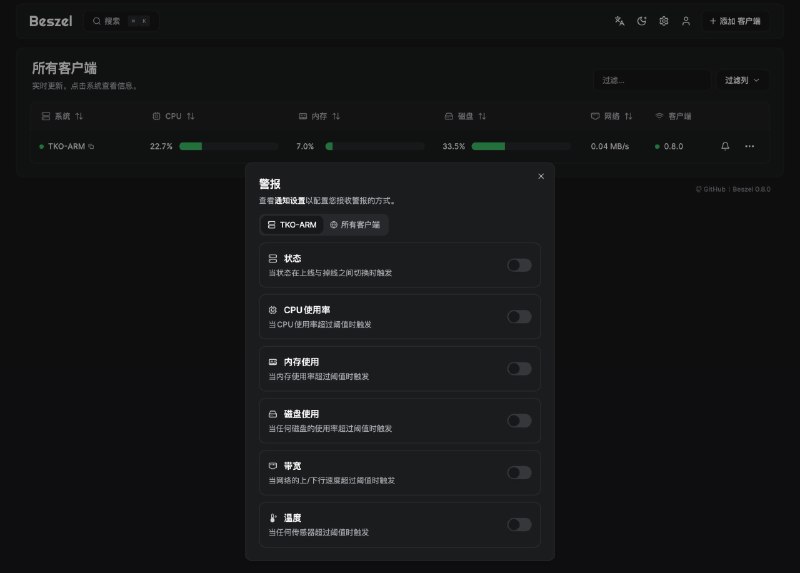
联系推广 #哪吒探针 #nezha #agent #nezha-agent #哪吒 #探针 #监控 #IP #unraid #nas #保活 #自动重启 #掉线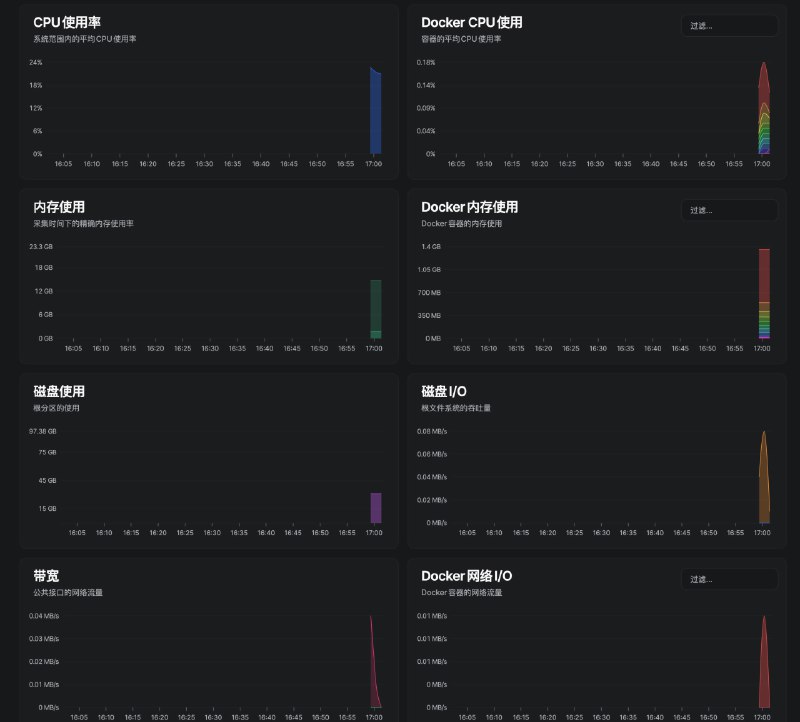
jq#!/usr/bin/env bash
api_key=""
chat_id=""
if ! pgrep -x nezha-agent > /dev/null || journalctl -o cat -u nezha-agent | grep -i "error" > /dev/null; then
# 重启服务
systemctl restart nezha-agent
# 清空日志
journalctl --rotate
journalctl --vacuum-time=1s
echo "nezha-agent service restarted and logs cleared."
curl -F disable_notification=true -F chat_id=$chat_id -F text="[$(hostname)] 哪吒探针已重启" https://api.telegram.org/bot$api_key/sendMessage > /dev/null
fi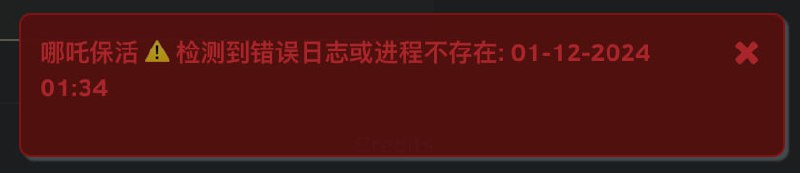
*/1 * * * *#!/usr/bin/env bash
log_message() {
local message="$1"
echo -e "[$(date '+%Y-%m-%d %H:%M:%S')] $message"
}
send_notification() {
local title="$1"
local body="$2"
local icon="$3"
log_message "发送通知 $title\n$body"
/usr/local/emhttp/webGui/scripts/notify \
-e "哪吒保活 $title" \
-s "" \
-d "" \
-i "$icon" \
-m "$body" \
-l "http://unraid.local:60080/Settings/Userscripts"
}
cd /dev/shm/nezha
if cat nezha-agent.log | grep error || ! pgrep -x nezha-agent > /dev/null; then
echo "" > nezha-agent.log
killall nezha-agent > /dev/null
./nezha-agent > ./nezha-agent.log 2>&1 &
send_notification "⚠️ 检测到错误日志或进程不存在" "自动重启" "alert"
ficrypto/tls 启用了实验性质的「后量子时代加密 Cipher」X25519Kyber768Draft00,导致通过 Go 1.23 内置的 TLS 实现发送的 TLS Client Hello 从典型的 252 bytes 激增到 1476 bytes。对于一些未正确配置的防火墙或 LB 来说,这会导致使用 Go 1.23 + Go 内置 TLS 实现的客户端 TLS 握手失败。adguard/dnsproxy 无法和 DNSPod 公共 DNS 的 DoH 和 DoT 完成 TLS 握手(https://github.com/AdguardTeam/AdGuardHome/issues/7357 、 https://www.v2ex.com/t/1094021#reply0 )。location /ip {
return 200 'ip=$remote_addr';
add_header Content-Type text/plain;
}/opt/nezha/agent/config.yml ):custom_ip_api:
- 'https://a.com/ip'
- 'https://b.com/ip'
/opt/nezha/dashboard/docker-compose.yaml 里 端口设为 127.0.0.1:8765:443/opt/nezha/dashboard/data/config.yaml 里installhost: grpc.xxx.com
listenport: 443
tls: truegrpc.xxxxxxx.com:443 -> 127.0.0.1:8765grpc.xxx.com:443systemctl disable --now nezha-agent; rm -rf /opt/nezha/agent; curl -L https://raw.githubusercontent.com/nezhahq/scripts/main/agent/install.sh -o nezha.sh && chmod +x nezha.sh && env NZ_SERVER=grpc.xxx.com:443 NZ_TLS=true NZ_CLIENT_SECRET=yyy ./nezha.sh/opt/nezha/agent/nezha-agent edit/opt/nezha/agent/config.ymluuid: "UUID 区分小鸡"
gpu: false # GPU
temperature: false # 温度
client_secret: "yyy" # secret
hard_drive_partition_allowlist: # 硬盘
- /
nic_allowlist: # 网络
ens3: true
server: "grpc.xxx.com:443"
tls: true # TLS
# ...省略 可以看 https://github.com/nezhahq/agent/blob/main/model/config.gosystemctl restart nezha-agent
2.14.433function operator(proxies) {
const withLatency = proxies.filter(p => p._latency !== undefined)
const withoutLatency = proxies.filter(p => p._latency === undefined)
withLatency.sort((a, b) => Number(a._latency) - Number(b._latency))
return [...withLatency, ...withoutLatency]
}