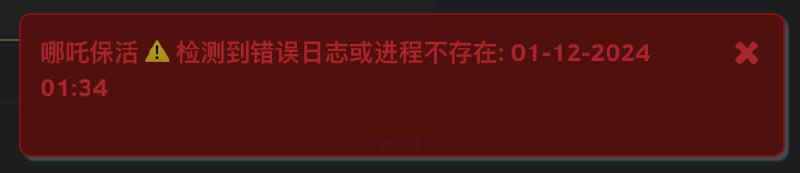
Sub-Store 机场阅后即焚/私有客户端应对方案
拿到订阅链接后别打开, 结尾加上
#cacheKey=xxx (
xxx 不要重复, 这是缓存的
key ) 填入 Sub-Store 开启乐观缓存功能 详见
https://t.me/zhetengsha/1417顺便也可以加上
noFlow 不查询流量信息, 反正都焚了...类似这样
#cacheKey=xxx&noFlow上面这个方法其实还是会尝试拉取的. 所以还有个办法: 拿到订阅链接后别打开, 结尾加
#cacheTtl=31536000&headersCacheTtl=31536000 这样缓存为一年 就不会拉取了. 流量查询好像也没啥意义了, 直接设置不查
#cacheTtl=31536000&noFlow其实用乐观缓存没啥意义 反正都要手动更 不如把订阅内容直接填到 Sub-Store 订阅里的本地内容里
通过 API 自动登录获取订阅 参考
https://t.me/zhetengsha/4533处理 xor/aes-cbc 加密 提取机场订阅方案分享
https://t.me/zhetengsha/5618机场的定制客户端从登录到获取订阅到解密(AES加密)订阅文件的流程如果机场后台 cookie 不过期, 就能爬虫的方法爬, Sub-Store 里写脚本就能全自动 比如
https://t.me/zhetengsha/3420但是一般没有不过期的, 可以选择一直开着标签页, userscript 保活->提取内容->自动更新 Sub-Store 某个订阅的内容 参考
https://t.me/zhetengsha_group/1118477 这个不完整 只是一个最简示范, 如果你想用这个方案 可以结合下面一个一起看
使用 playwright 等方案自动化登录并抓取机场订阅更新到 Sub-Store 参考
https://t.me/zhetengsha/4459无代码/低代码方案可以考虑使用带录制功能的自动化工具或辅助你创建动作的工具 比如
https://t.me/zhetengsha/4457 Sub-Store 合集
  频道资源合集
  恰饭推荐
恰饭推荐  群组
群组 #Sub
#Sub-Store
#SubStore #脚本 #节点 #订阅 #脚本 #机场 #阅后即焚 #playwright #自动化 

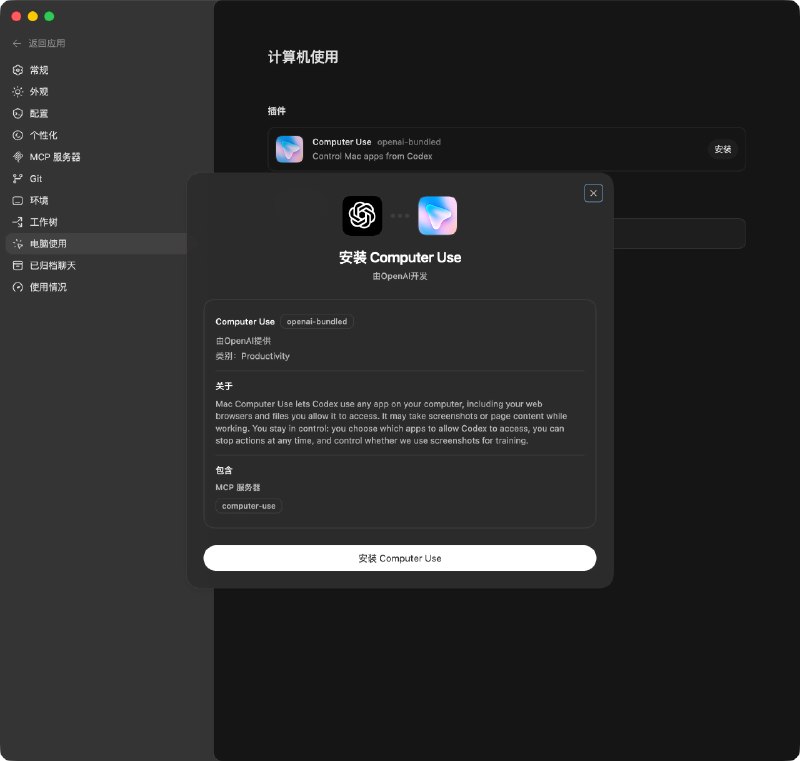
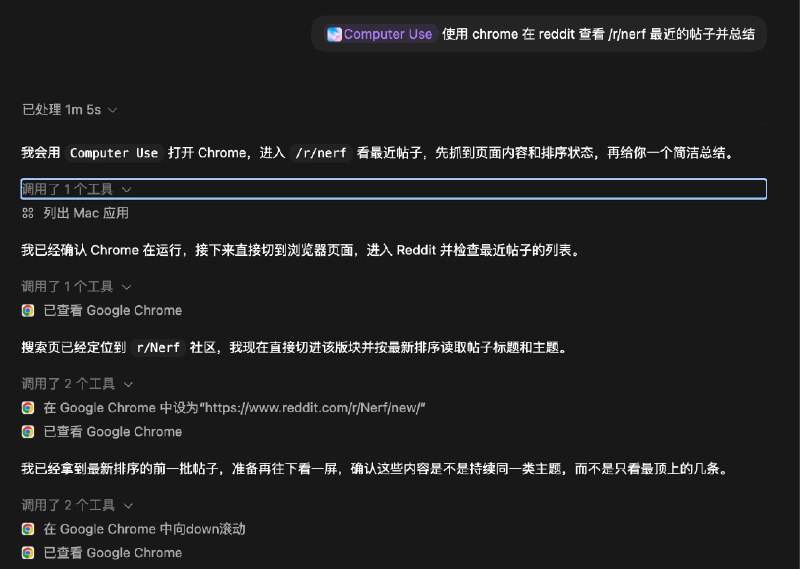
 如图 2 所示, 可直接使用 Computer Use 或 用 @ 提及需要操作的 App
 联系推广
联系推广