- 亚托莉佬的示例不维护了 请自行寻找或创建模板 然后配置脚本使用
可参考
https://github.com/huixiao666/pk-box
https://github.com/Sheldontao/Scripts/tree/main/sub-store-template/1.12or13
- ❤️1
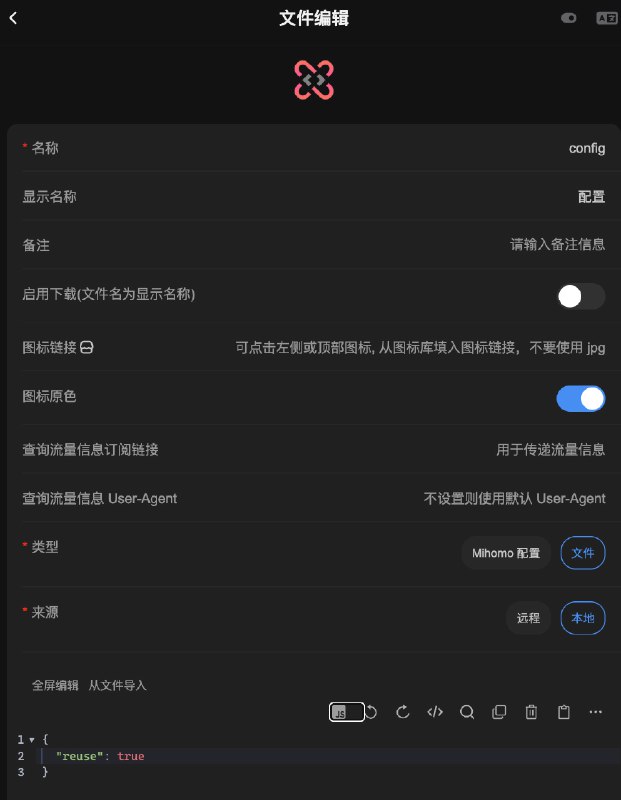
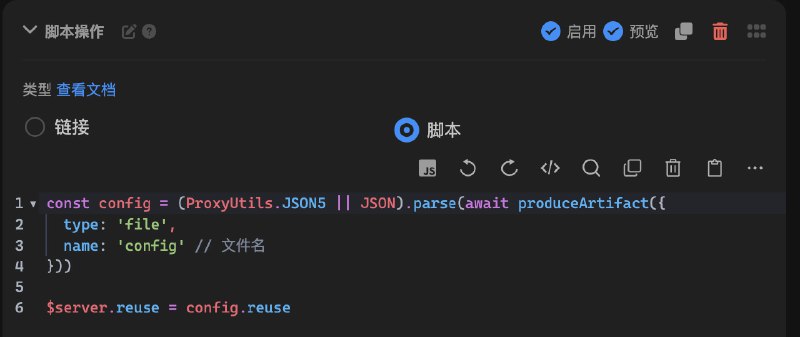
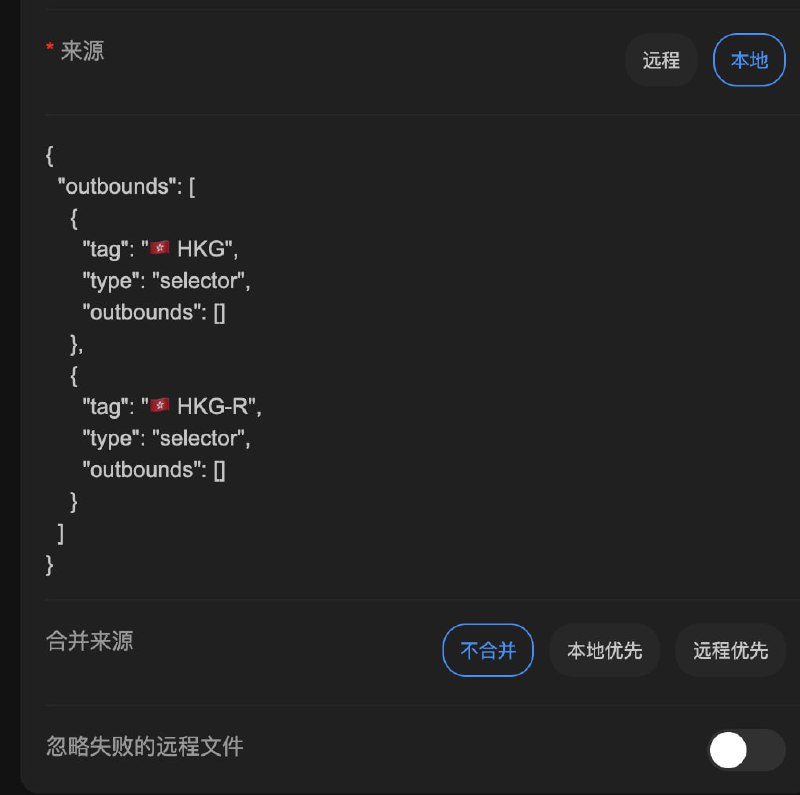
sni 文件中读取内容并进行节点操作config 文件中读取配置项并进行节点操作config 的本地内容为 { "reuse": false } 假设我们用 JSON 配置(也支持 JSON5)
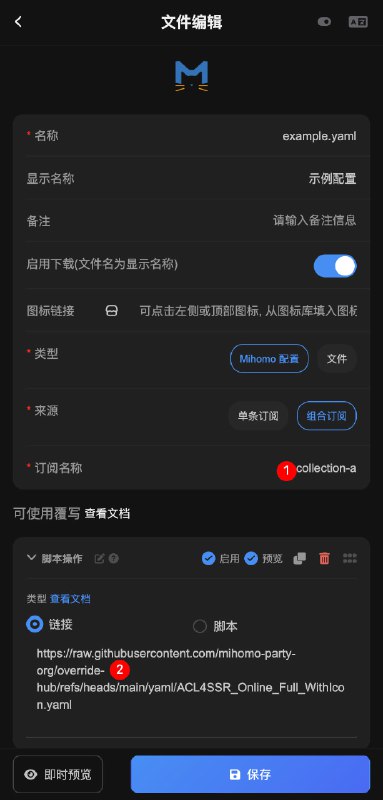
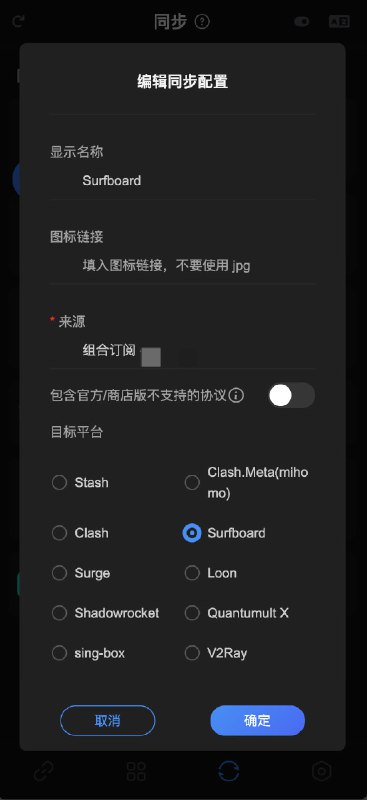
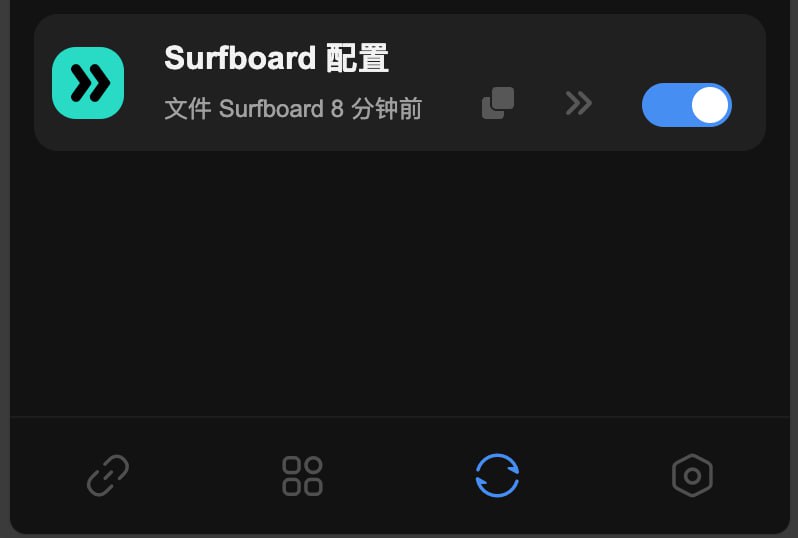
文件 tab, 按图 1 新建 Mihomo 配置文件https://proxy.api.030101.xyz/https://raw.githubusercontent.com/mihomo-party-org/override-hub/refs/heads/main/yaml/ACL4SSR_Online_Full_WithIcon.yamlif($options){
$options._res = {
headers: {
'profile-update-interval': 24
}
}
}
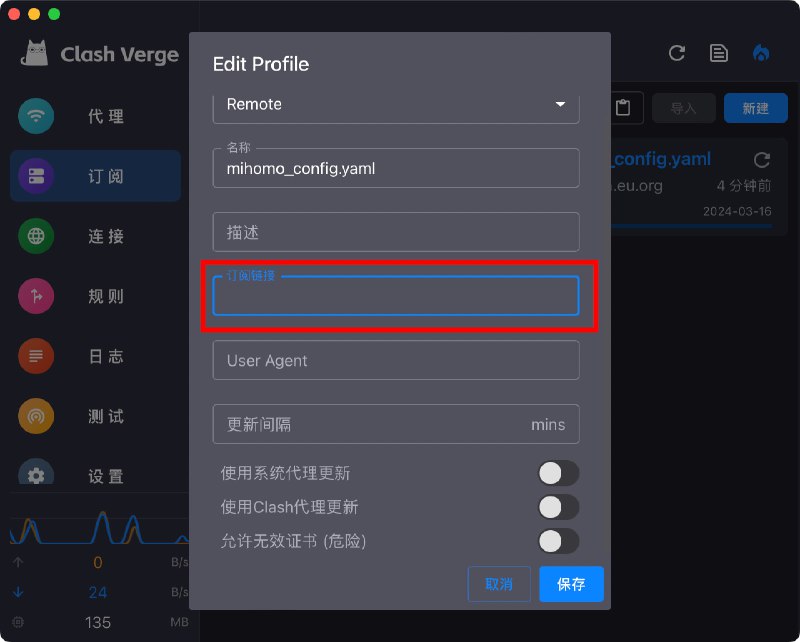
2.16.0 前端 >= 2.14.319https://a.com/download/collection/name?target=ClashMeta, 文件名称为 config.yaml{ url: 'https://a.com/download/collection/name?target=ClashMeta' }https://a.com/api/file/config.yaml?$options=%7B%22url%22%3A%22https%3A%2F%2Fa.com%2Fdownload%2Fcollection%2Fname%3Ftarget%3DClashMeta%22%7Dhttps://a.com/download/collection/namehttps://a.com/api/file/config.yaml?$options=url=https://a.com/download/collection/nameproxy-providers 的例子:const yaml = ProxyUtils.yaml.safeLoad($content ?? $files[0])
yaml['proxy-providers'] = {
provider: {
url: 'https://sub.com/share/col/name?token=b&target=ClashMeta',
type: 'http',
interval: 86400,
'health-check': {
enable: true,
url: 'https://www.gstatic.com/generate_204',
interval: 300
}
}
}
$content = ProxyUtils.yaml.safeDump(yaml)
可能你第一个节点不可用
detour 里面的 groups 第一个节点
因为还在初始化阶段
不可能开始 url test
所以要确保第一个可用
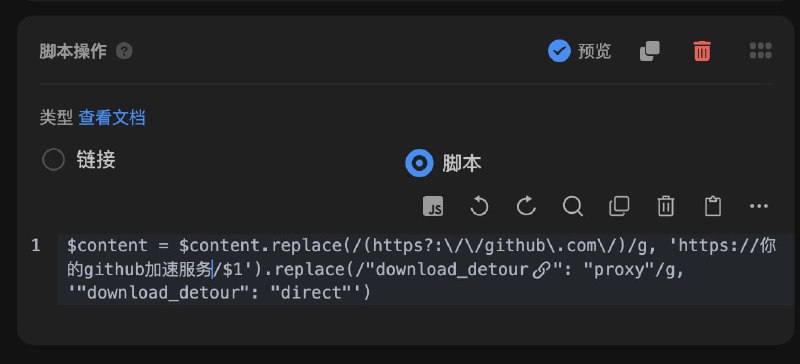
$content = $content.replace(/(https?:\/\/github\.com\/)/g, 'https://你的github加速服务/$1').replace(/"download_detour": "proxy"/g, '"download_detour": "direct"')
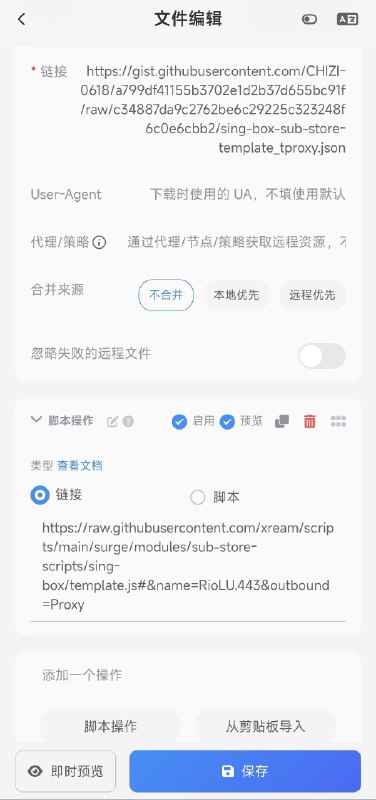
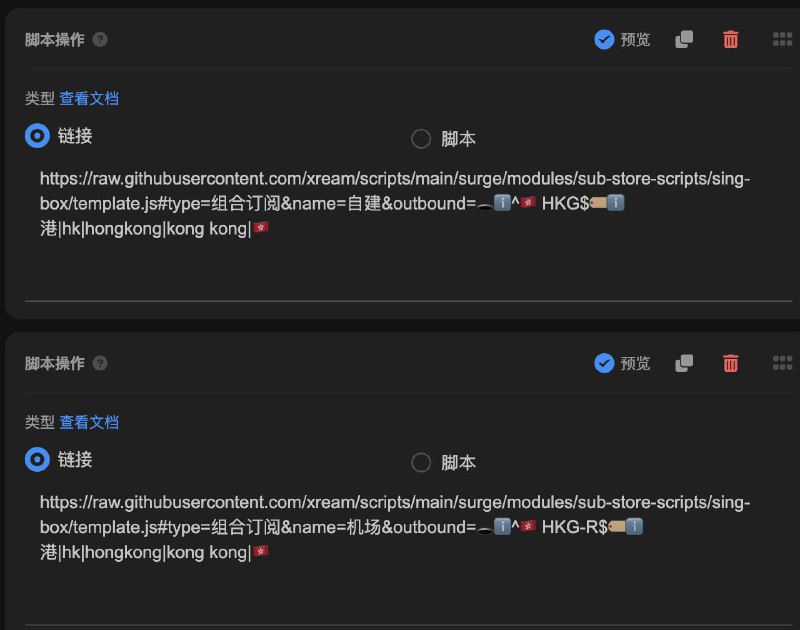
https://raw.githubusercontent.com/xream/scripts/main/surge/modules/sub-store-scripts/sing-box/template.js#type=组合订阅&name=自建&outbound=🕳ℹ️^🇭🇰 HKG$🏷ℹ️港|hk|hongkong|kong kong|🇭🇰
https://raw.githubusercontent.com/xream/scripts/main/surge/modules/sub-store-scripts/sing-box/template.js#type=组合订阅&name=机场&outbound=🕳ℹ️^🇭🇰 HKG-R$🏷ℹ️港|hk|hongkong|kong kong|🇭🇰
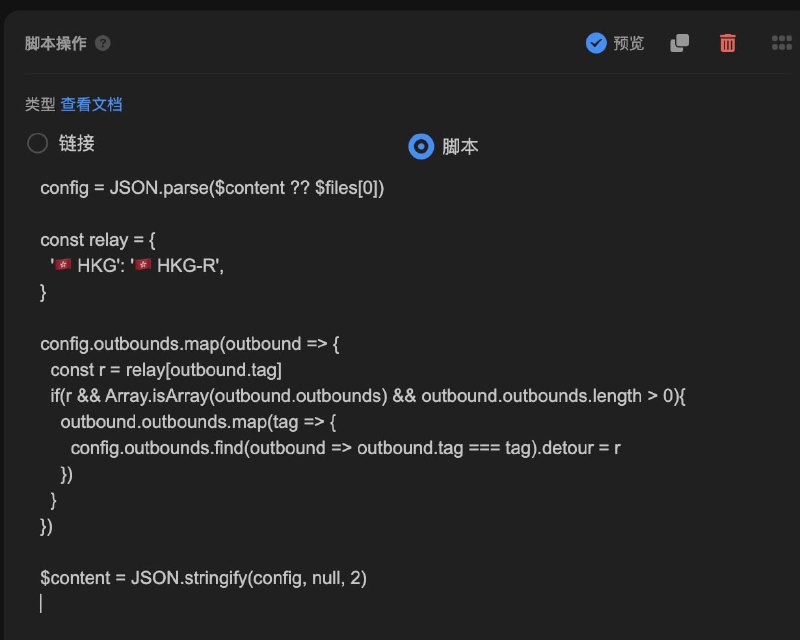
detour: HKG-R. 没优化, 反正能用(config = JSON.parse($content ?? $files[0])
const relay = {
'🇭🇰 HKG': '🇭🇰 HKG-R',
// 其他的自己加
}
config.outbounds.map(outbound => {
const r = relay[outbound.tag]
if(r && Array.isArray(outbound.outbounds) && outbound.outbounds.length > 0){
outbound.outbounds.map(tag => {
config.outbounds.find(outbound => outbound.tag === tag).detour = r
})
}
})
$content = JSON.stringify(config, null, 2)
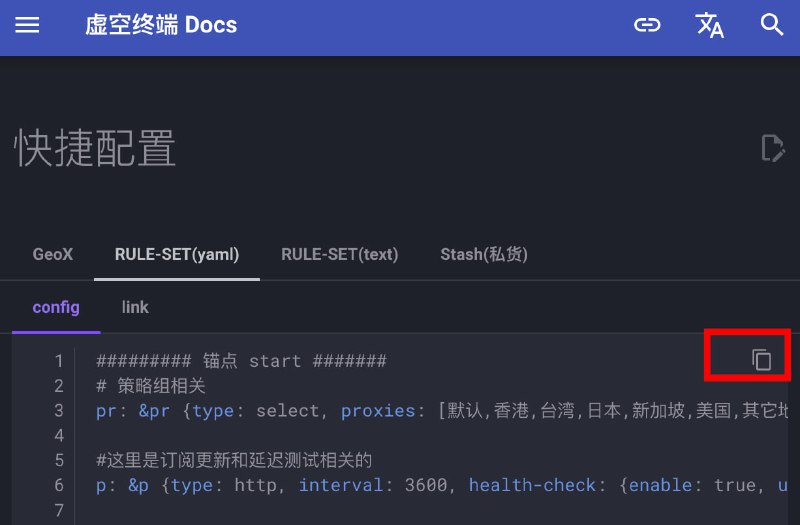
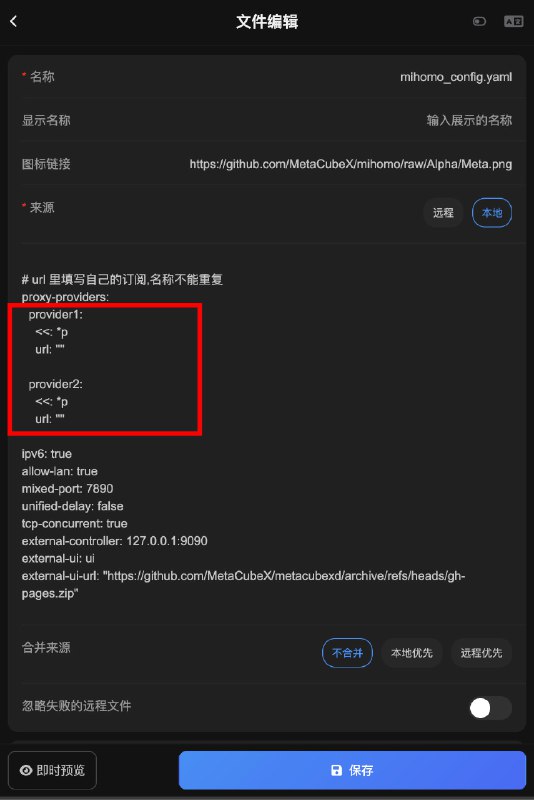
https://wiki.metacubex.one/example/yaml$content = ($content ?? $files[0]).replace(`
proxy-providers:
provider1:
<<: *p
url: ""
provider2:
<<: *p
url: ""
`, `
proxy-providers:
my_sub:
<<: *p
url: "http://xxxxxxxxxxxxxxxxx"
`)proxy-providers 的例子:const yaml = ProxyUtils.yaml.safeLoad($content ?? $files[0])
yaml['proxy-providers'] = {
provider: {
url: 'https://sub.com/share/col/name?token=b&target=ClashMeta',
type: 'http',
interval: 86400,
'health-check': {
enable: true,
url: 'https://www.gstatic.com/generate_204',
interval: 300
}
}
}
$content = ProxyUtils.yaml.safeDump(yaml) const yaml = ProxyUtils.yaml.safeLoad($content ?? $files[0])
let clashMetaProxies = await produceArtifact({
type: 'collection',
name: '机场',
platform: 'ClashMeta',
produceType: 'internal'
})
yaml.proxies.unshift(...clashMetaProxies)
$content = ProxyUtils.yaml.safeDump(yaml)

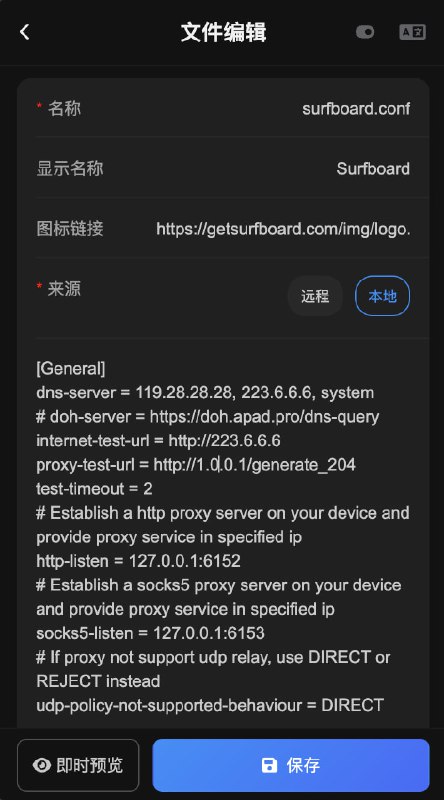
⚠️ mirror.ghproxy.com 也被墙了 自己换成其他加速https://mirror.ghproxy.com/https://gist.githubusercontent.com/aaaaaaaa__________ 都替换为上一步得到的完整订阅链接自动测速 = url-test, policy-path=https://mirror.ghproxy.com/https://gist.githubusercontent.com/aaaaaaaa, ...
故障转移 = fallback, policy-path=https://mirror.ghproxy.com/https://gist.githubusercontent.com/aaaaaaaa, ...https://mirror.ghproxy.com/https://gist.githubusercontent.com/bbbbbbb#!MANAGED-CONFIG https://mirror.ghproxy.com/https://gist.githubusercontent.com/bbbbbbb interval=3600 strict=truehttps://mirror.ghproxy.com/https://gist.githubusercontent.com/bbbbbbb 即可
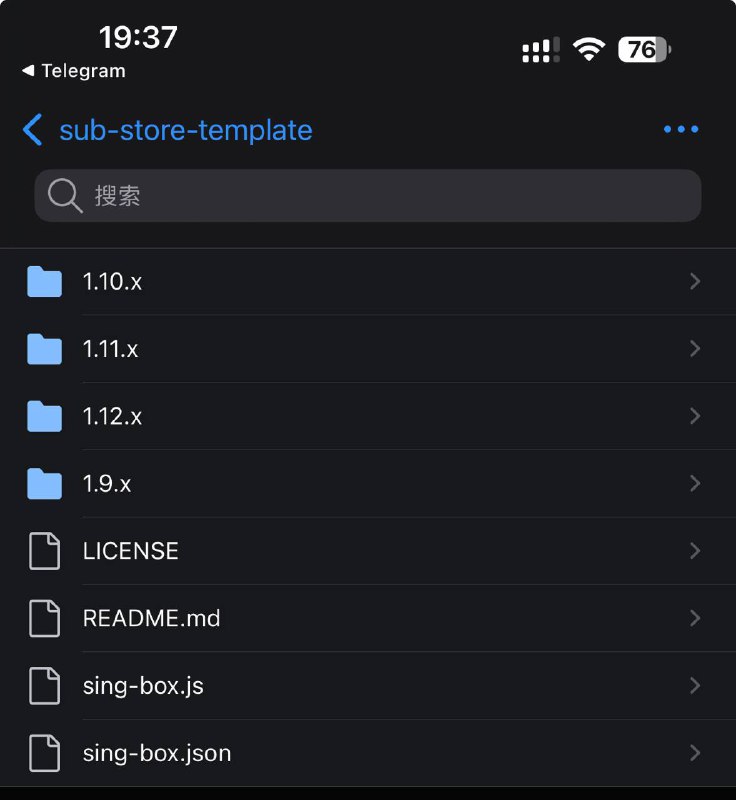
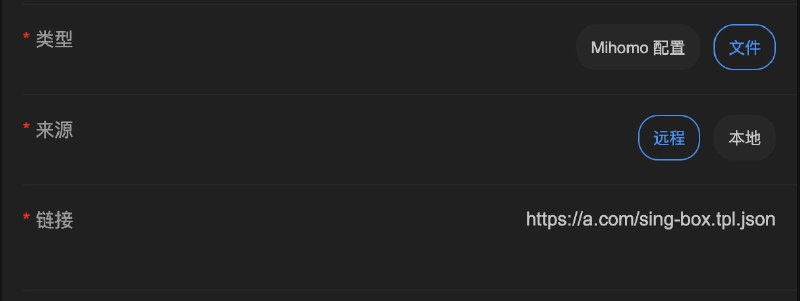
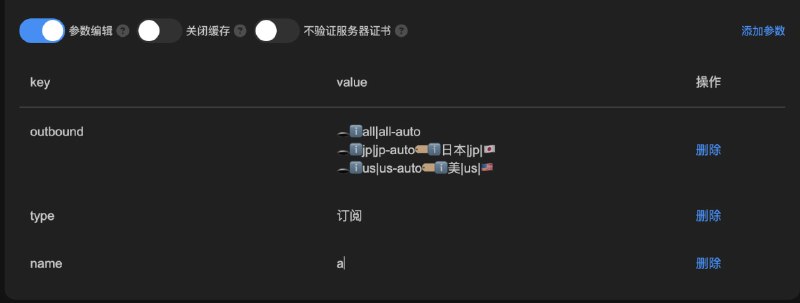
https://raw.githubusercontent.com/xishang0128/sub-store-template/main/sing-box.js#type=1&name=name远程链接 中 第一行为 sing-box 模板文件链接https://a.com/sing-box.tpl.json本地文本 中为 sing-box 模板文件的内容https://raw.githubusercontent.com/xream/scripts/main/surge/modules/sub-store-scripts/sing-box/template.js#type=组合订阅&name=机场&outbound=🕳ℹ️all|all-auto🕳ℹ️hk|hk-auto🏷ℹ️港|hk|hongkong|kong kong|🇭🇰🕳ℹ️tw|tw-auto🏷ℹ️台|tw|taiwan|🇹🇼🕳ℹ️jp|jp-auto🏷ℹ️日本|jp|japan|🇯🇵🕳ℹ️sg|sg-auto🏷ℹ️^(?!.*(?:us)).*(新|sg|singapore|🇸🇬)🕳ℹ️us|us-auto🏷ℹ️美|us|unitedstates|united states|🇺🇸组合订阅 中的节点(单订阅不需要设置 type 参数)/all|all-auto/i 的 outbound 中(跟在 🕳 后面, ℹ️ 表示忽略大小写, 不筛选节点不需要给 🏷 )/港|hk|hongkong|kong kong|🇭🇰/i (跟在 🏷 后面, ℹ️ 表示忽略大小写) 的节点插入匹配 /hk|hk-auto/i 的 outbound 中url. 记得 url 需要 encodeURIComponent. 例如: http://a.com?token=123 应使用 url=http%3A%2F%2Fa.com%3Ftoken%3D123