从 0 搭建一个 Snell + ShadowTLS V3 免流节点(当然过墙也是杠杠的)🆕 mihomo 服务端版1. 安装 snell v4(随便找的脚本, 自行搭建)
wget -O snell.sh --no-check-certificate https://git.io/Snell.sh && chmod +x snell.sh && ./snell.sh可只监听
127.0.0.1, 假设你监听的端口为
63000, 密码为
oKObPL9BuHcU2c5c 不开
obfs/etc/snell/config.conf[snell-server]
listen = 127.0.0.1:63000
ipv6 = true
psk = oKObPL9BuHcU2c5c
tfo = true
version = 4
systemctl restart snell-server
systemctl status snell-server
2. 安装 ShadowTLS
x64:
curl -L https://github.com/ihciah/shadow-tls/releases/download/v0.2.25/shadow-tls-x86_64-unknown-linux-musl -o /usr/local/bin/shadow-tls; chmod a+x /usr/local/bin/shadow-tls
arm:
curl -L https://github.com/ihciah/shadow-tls/releases/download/v0.2.25/shadow-tls-arm-unknown-linux-musleabi -o /usr/local/bin/shadow-tls; chmod a+x /usr/local/bin/shadow-tls
编辑
/etc/systemd/system/shadow-tls.service 抄了下 snell 的服务 微调了下
[Unit]
Description=Shadow-TLS Server Service
After=network-online.target
Wants=network-online.target systemd-networkd-wait-online.service
[Service]
LimitNOFILE=32767
Type=simple
User=root
Restart=on-failure
RestartSec=5s
ExecStartPre=/bin/sh -c ulimit -n 51200
ExecStart=shadow-tls --fastopen --v3 --strict server --wildcard-sni=authed --listen [::]:443 --server 127.0.0.1:63000 --tls p11.douyinpic.com:443 --password MVlWnwyr9vEOK8hL
[Install]
WantedBy=multi-user.target
3. 重载服务&启动
systemctl daemon-reload
systemctl enable
4. 查看服务&日志
systemctl status shadow-tls
journalctl -f  -o cat -n 100 -u shadow-tls
5. 使用
vps [snell][shadow-tls-v3] = snell, 服务器IP , 443, psk=oKObPL9BuHcU2c5c, version=4, reuse=true, tfo=true, shadow-tls-password=MVlWnwyr9vEOK8hL, shadow-tls-version=3, shadow-tls-sni=p11.douyinpic.com
因为我们在 Shadow TLS 开启了
--wildcard-sni=authed 所以 可以在客户端改
shadow-tls-sni 不用跟服务端设置的相同
可能降低了安全性(?) 但是方便
p11.douyinpic.com 是混淆, 需要你的套餐支持. 一般需要 443 端口
📃 相关内容
从 0 搭建一个 Shadowsocks 2022 + ShadowTLS V3 节点免流混淆零跳总结流邦支持 TLS 443 的混淆TLS 1.3 相关的文档 👆🏻上面的配置里开了
--strict 具体可以看这个文档
⚠️ 有些人可能需要看这个:shadow-tls CPU 占用高 免流合集 服务器合集
  频道资源合集
  恰饭推荐
恰饭推荐  群组
群组 #Surge #免流 #混淆 #TLS #Snell #ShadowTLS #Shadow
-TLS
#节点 #服务器 

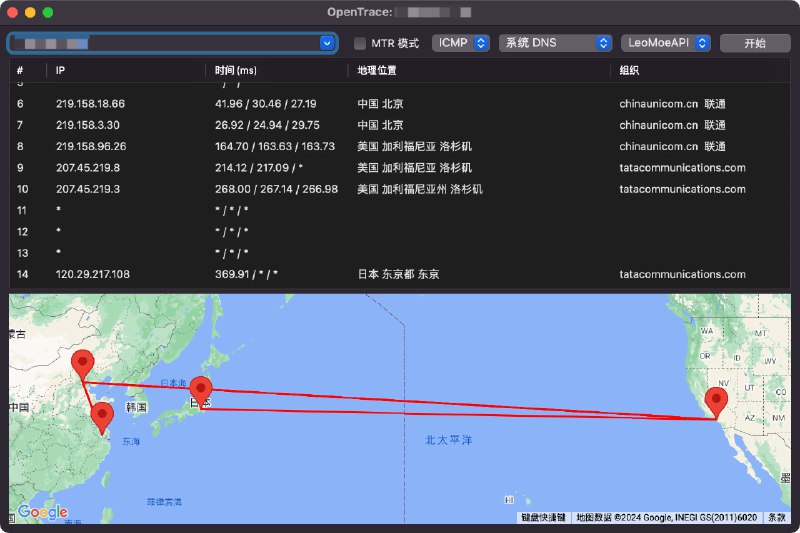
 查看仓库
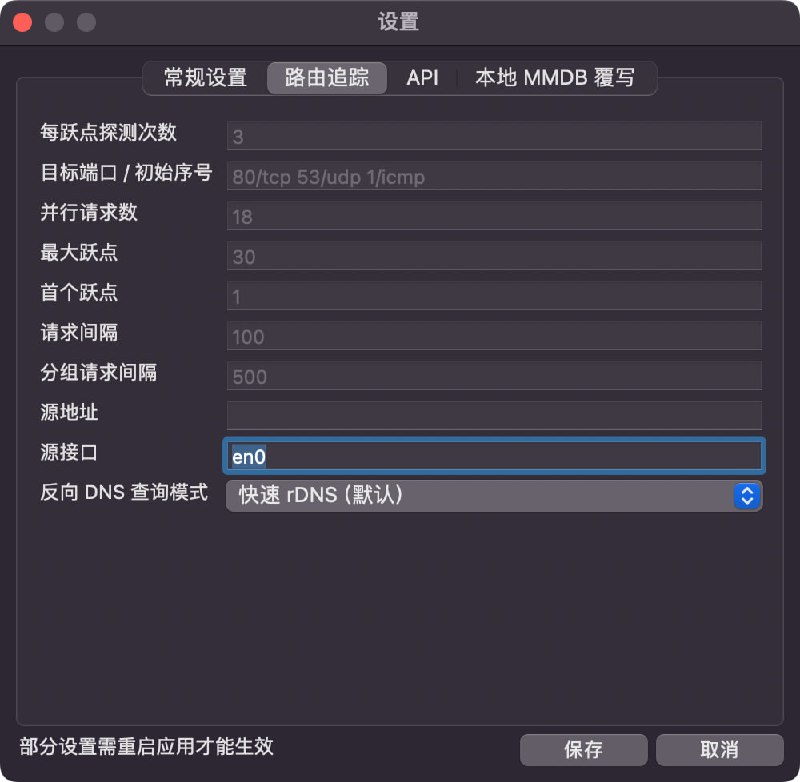
查看仓库 开启 TUN 后, 如图2 设置, 可在不关闭代理 App 的情况下, 正常使用
 相关
相关 欢迎评论 & 转发(请保留来源)
 频道 |
频道 |  群组
群组 可点击查看
可点击查看  恰饭推荐
恰饭推荐 本频道 99.99% 的内容均为原创 感谢老板们的支持


 懒癌晚期
懒癌晚期 


 点击查看并支持 CM 佬:


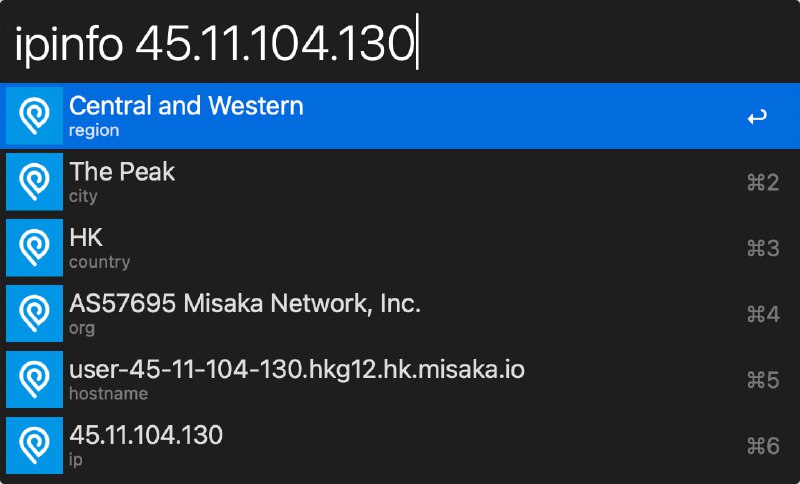
 Alfred IP 查询插件 新增 IPinfo 版
 查看
查看 
 功能特性
功能特性 部署alist+下载元数据+部署emby/jellyfin服务全流程自动,无需人工干预
 Docker集成:所有脚本集成到Docker镜像中,避免了系统环境污染。
 部署或更新脚本
 欢迎关注我的频道,获取更多信息





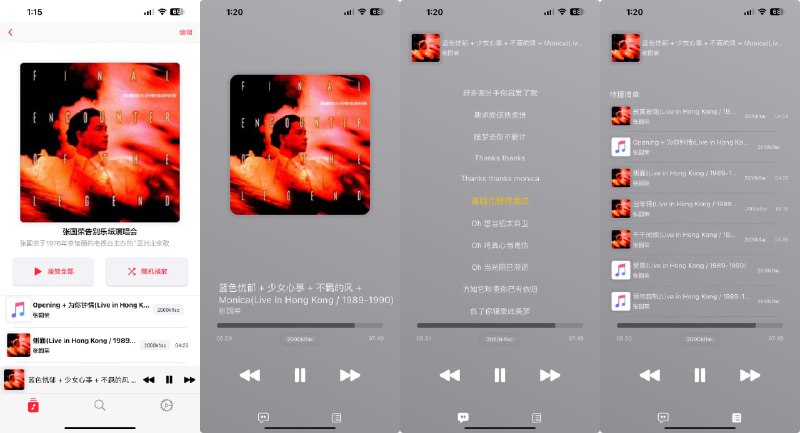
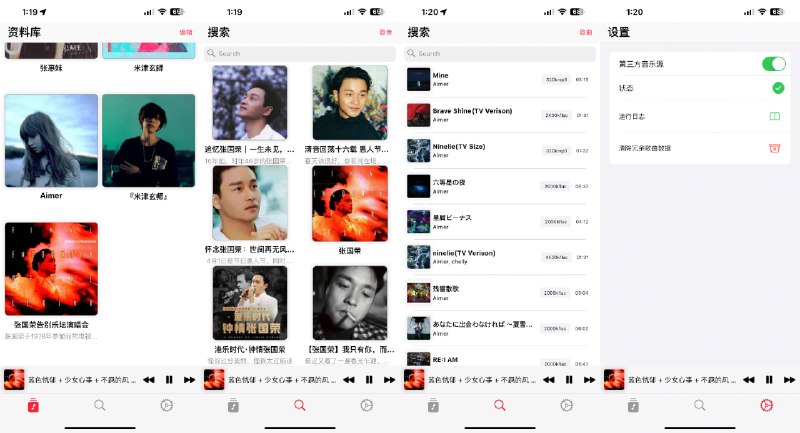
 AppRhyme 跨平台免费音乐 App