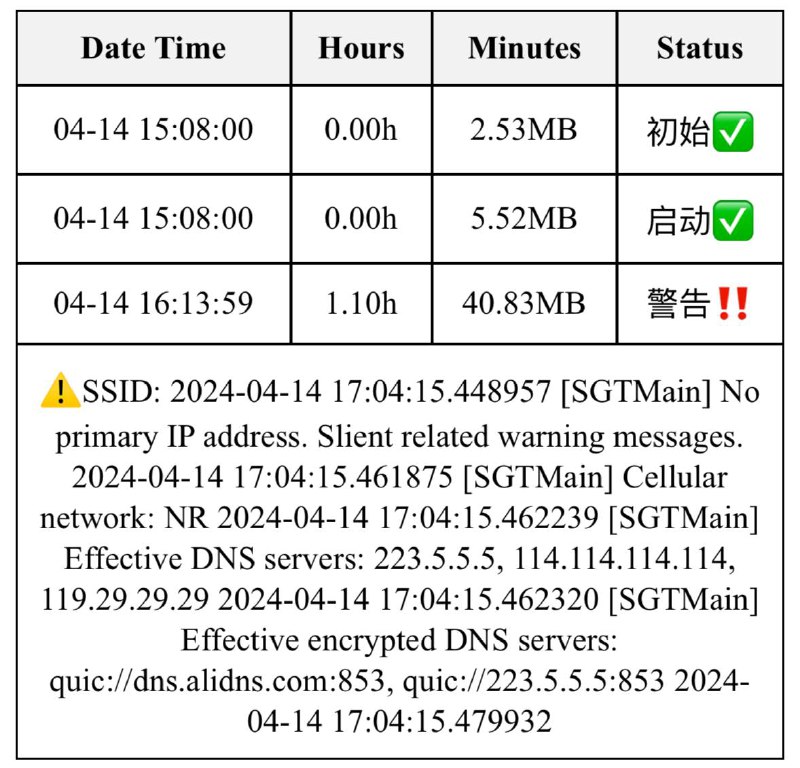
指令作者:小黑脸🌚
使用方法:
·该指令依赖环境app Actions
·日志分享至该指令即可查看可视化内存占用
快捷指令:https://www.icloud.com/shortcuts/7633a5792abc4b2fa90ba4e7e6a1a407
- ❤️4

快捷指令:https://www.icloud.com/shortcuts/7633a5792abc4b2fa90ba4e7e6a1a407
 Cloudflare Radar 一百万 location cn 的域名
.cn 的域名(通常都有 DOMAIN-SUFFIX,cn 分流了) Surge 域名集
Global 配置使用RULE-SET,https://raw.githubusercontent.com/blackmatrix7/ios_rule_script/master/rule/Surge/Global/Global_All.list,Proxy,extended-matching
DOMAIN-SET,cloudflare-radar-domains-top-1000000-cn.txt,Domestic,extended-matching
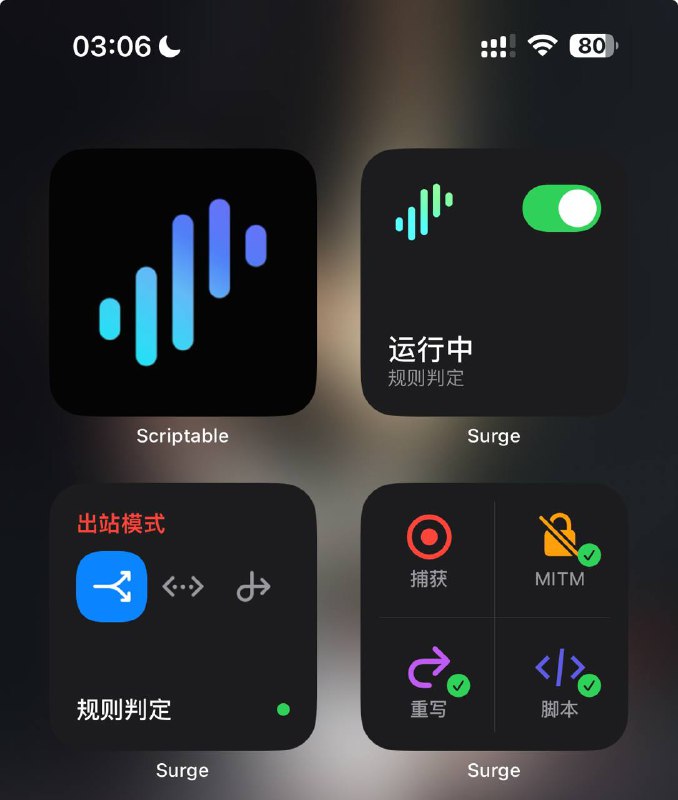
 Surge 精美的 伪 企业版 图标
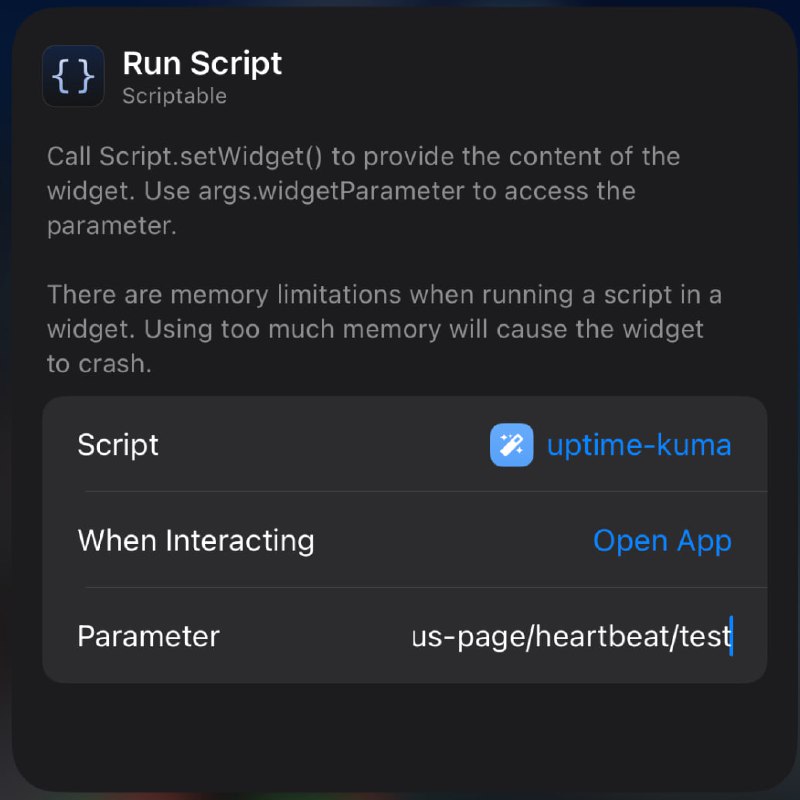
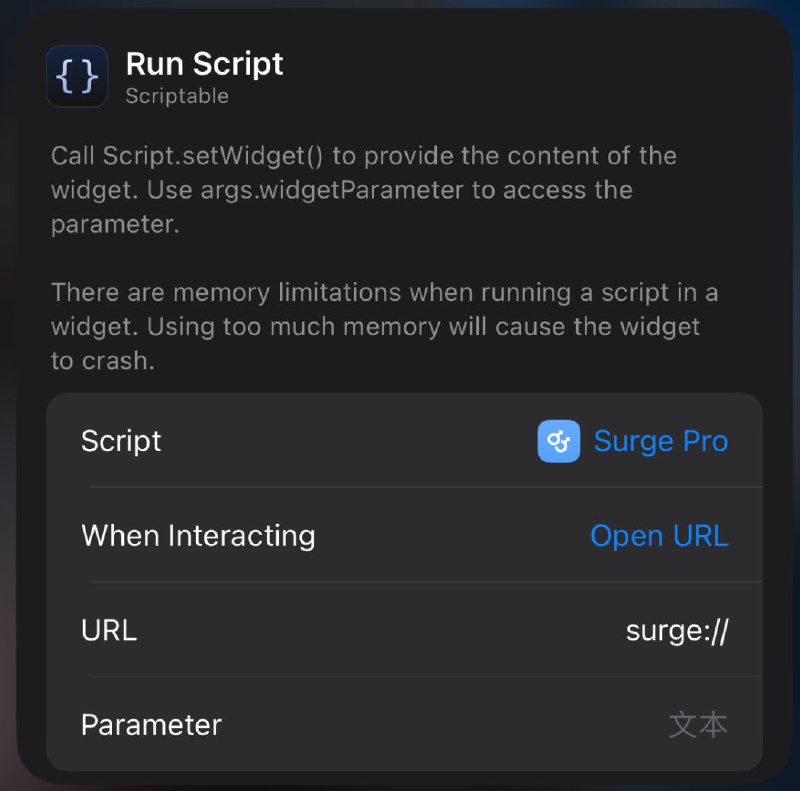
URL Scheme 可以实现点击小组件打开 Surge 等操作surge:///toggle?autoclose=true 可实现点击一次自动开/关 Surge 并自动关闭Scriptable 文件夹里, 创建一个 surge 文件夹, 将 此处的俩图片文件 (surge-dark.png 和 surge-light.png 即可) 放入你创建的 surge 文件夹中 脚本地址
脚本地址 相关内容
相关内容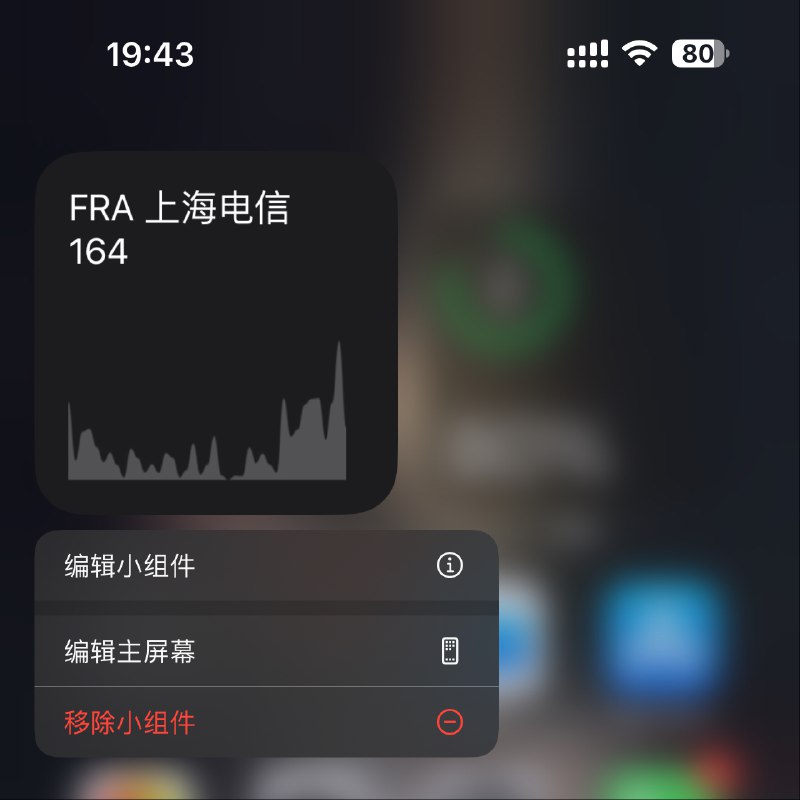
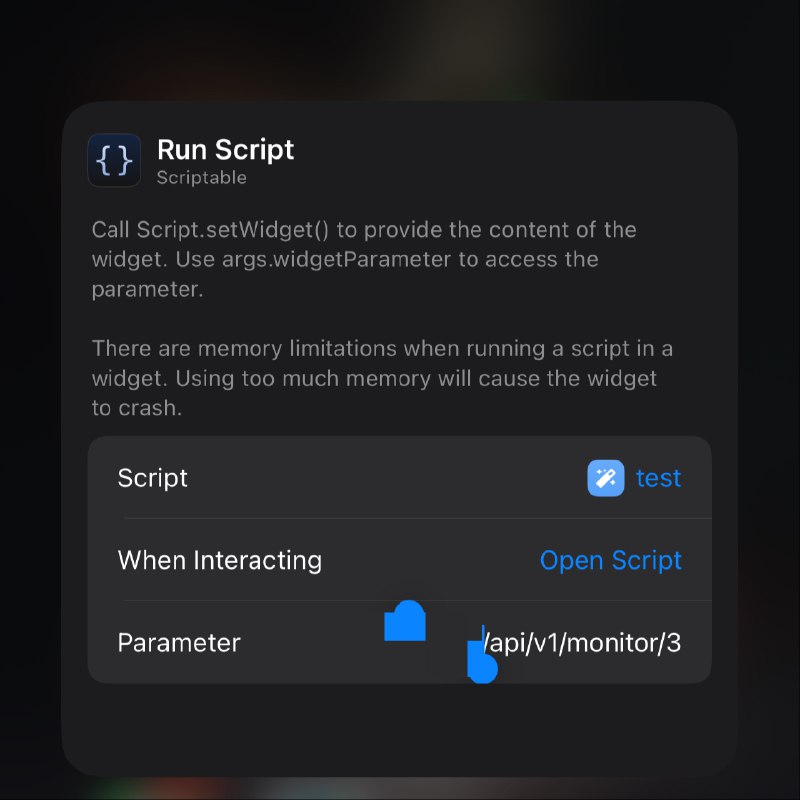
 Surge TestFlight 版 或
  Loon
Loon 模块地址 相关
 模块地址
模块地址 模块脚本合集
  频道资源合集
  恰饭推荐
恰饭推荐  群组
群组 #Surge #模块 #脚本 #通知 #妹子图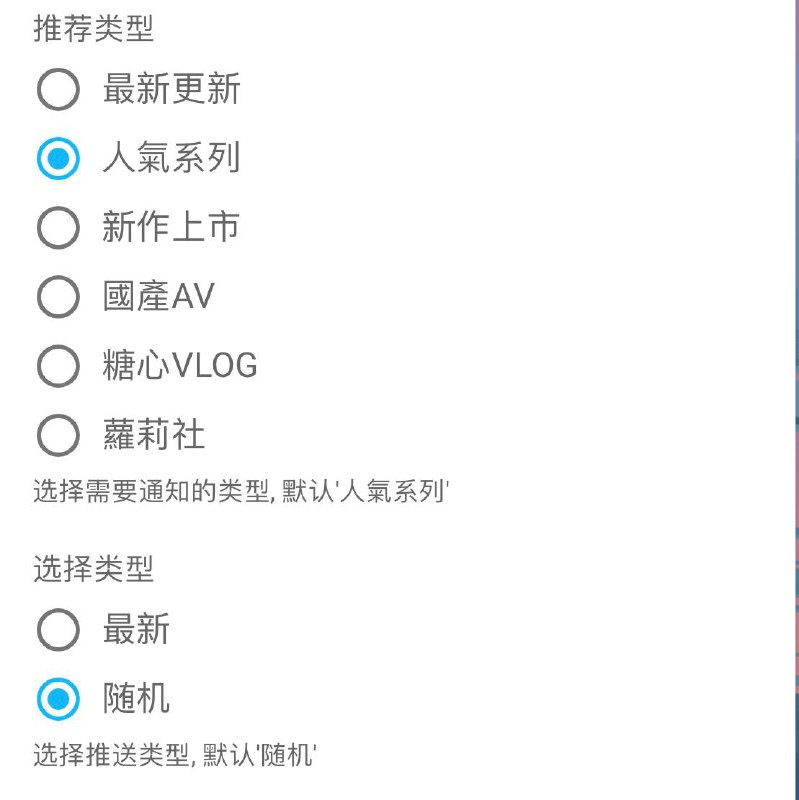
脚本地址:https://raw.githubusercontent.com/Yuheng0101/X/main/Tasks/javday.js
Boxjs订阅:https://raw.githubusercontent.com/Yuheng0101/X/main/Tasks/boxjs.json
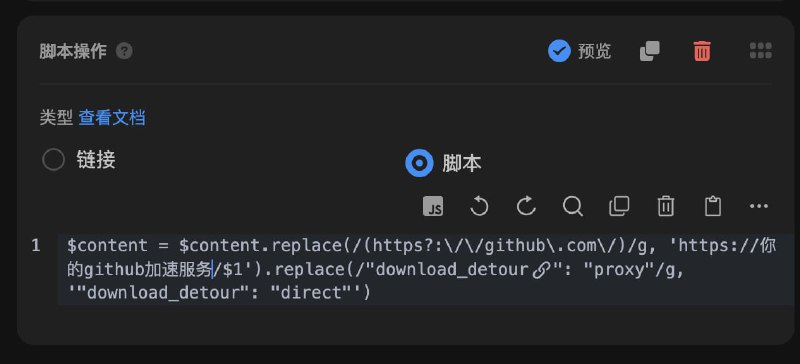
 Sub-Store 文件动态生成
  sing-box 配置补充说明
可能你第一个节点不可用
detour 里面的 groups 第一个节点
因为还在初始化阶段
不可能开始 url test
所以要确保第一个可用
$content = $content.replace(/(https?:\/\/github\.com\/)/g, 'https://你的github加速服务/$1').replace(/"download_detour": "proxy"/g, '"download_detour": "direct"') Sub-Store 服务器/云平台/Docker/Android 版的相关教程 Cloudflare DNS 解析 一键清空 Cloudflare Utilities
cloudflare-utils --api-token 你的Token --zone-name 你的域名 dns-purge