小一
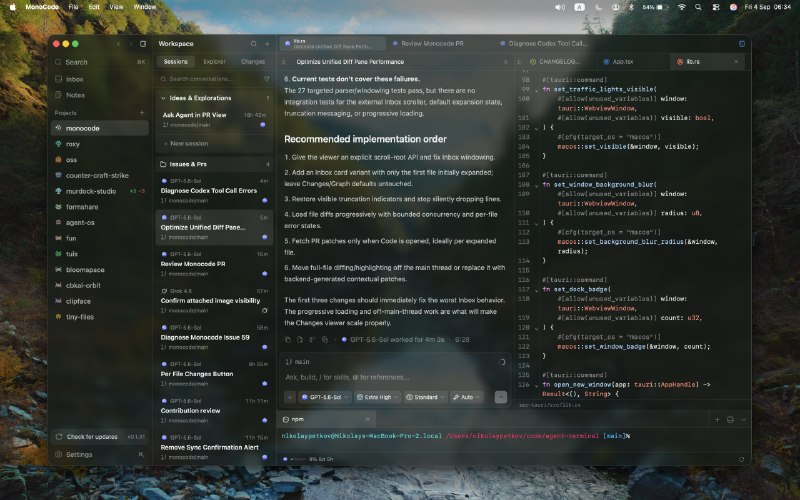
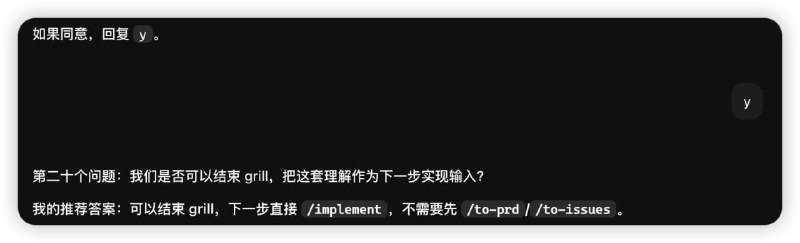
Compound Engineering: 使用感受 ce:brainstorm 说需求 1,2,3 选选 或者补充需求 它非常智能 如果不是脑暴需求 它不会无脑开始脑暴 会使用对应的 skill 😄 然后 1 开始 ce:plan 然后 1 开始 ce:work 人肉过一下 diff 然后 ce:review 可以开好多个 subagent 从不同角度 review 很爽 可使用提示词, 抛砖引玉 $ce:review 使用模型 gpt-5.4-mini 启动 subagent subagent…
Compound Engineering: 移除旧版 Codex 工具映射旧版会在
AGENTS.md 里插一段
COMPOUND CODEX TOOL MAP新版不需要了
详见
官方文档说明你可以把下面这段指令直接粘贴到 Codex 中(或者交给任何能够访问你 Home 目录的 Agent),让它删除这个旧配置:
Remove the obsolete Compound Engineering Codex tool-map block from my Codex home AGENTS.md.

1. Check `$CODEX_HOME/AGENTS.md` if CODEX_HOME is set, otherwise `~/.codex/AGENTS.md`. If I use Codex profiles, also check `~/.codex/profiles/*/AGENTS.md`.
2. Look for the exact sentinels `<!-- BEGIN COMPOUND CODEX TOOL MAP -->` and `<!-- END COMPOUND CODEX TOOL MAP -->`.
3. If both are present, delete only the span from the BEGIN line through the END line (inclusive), leaving any other user content untouched. Do not edit project/repo AGENTS.md unless those exact sentinels are present there.
4. If the file is empty after the removal, delete the file.
5. Show a short before/after summary of what you changed (or say the block was already absent). Do not add a replacement tool map.
 AI 合集
AI 合集  合集
合集  群组
群组  恰饭
恰饭  联系推广
联系推广 #AI #编程 #工程效率 #开发工作流 #代码审查 #Agent #Claude #Code #Codex #GitHub #插件生态 #CE #CompoundEngineering